To create a playlist
1
Select Menu > Media > Music > Playlists.
2
Scroll to New playlist and select Add.
3
Enter a name and select OK.
4
For each track you want to add, scroll to the track and select Mark.
5
Select Add to add the marked tracks to the playlist.
To add tracks to a playlist
1
Select Menu > Media > Music > Playlists.
2
Select a playlist.
3
Scroll to Add music and select Add.
4
For each track you want to add, scroll to the track and select Mark.
5
Select Add to add the marked tracks to the playlist.
SensMe™
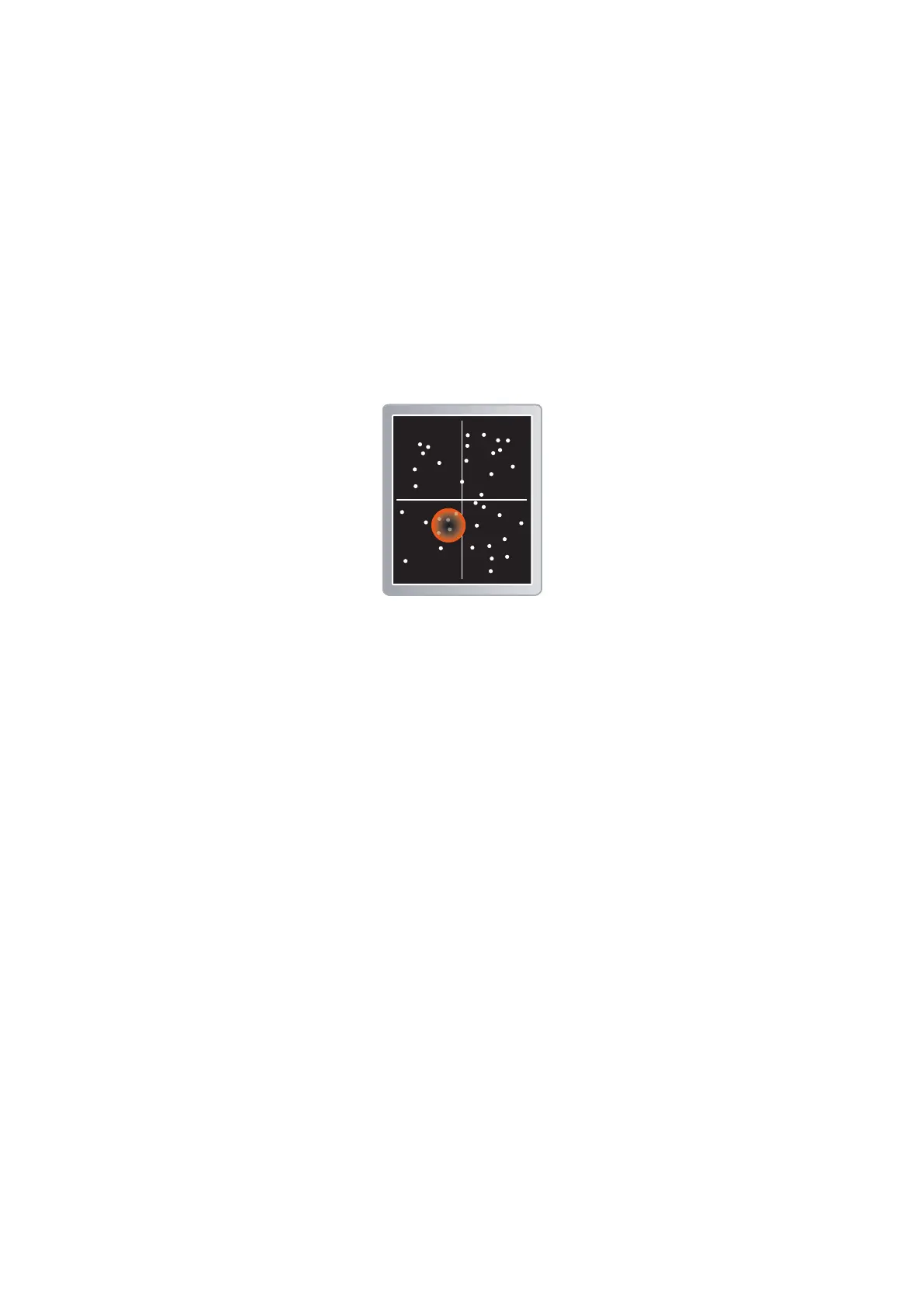
With SensMe™ you can create playlists in two ways, by mood or from all the tracks in your
phone. By mood, you first use Media Go™ to transfer tracks to your phone. Information
such as mood, tempo and chords is then added. The tracks are displayed as dots on a
map with two axes. In the All view, all the tracks in your phone are placed randomly on the
map.
To create a playlist by mood
1
Select Menu > Media > Music.
2
Scroll to SensMe™ and select Open.
3
Press the navigation key upwards, downwards, right or left.
4
Make sure you are in Mood view. If you are not, select Mood.
5
To preview different tracks, press the navigation key upwards, downwards, right or
left.
6
To choose an area of tracks, select Add and press the navigation key upwards or
downwards.
7
To create the playlist and play it in the music player, select Create.
8
Select Options > Save playlist.
9
Enter a name and select OK.
To create a playlist from All view
1
Select Menu > Media > Music.
2
Scroll to SensMe™ and select Open.
3
Press the navigation key upwards, downwards, right or left.
4
Make sure you are in All view. If you are not, select All.
5
To preview different tracks, press the navigation key upwards, downwards, right or
left.
6
To choose an area of tracks, select Add and press the navigation key upwards or
downwards.
7
To create the playlist for playing in the music player, select Create.
8
Select Options > Save playlist.
9
Enter a name and select OK.
37
This is an Internet version of this publication. © Print only for private use.











 To Next Page