Internet
If you cannot use the Internet, see I cannot use Internet-based services on page 73.
To start browsing
1
Select Search.
2
Enter a web address, a search phrase or the name of a bookmark.
3
Scroll to an item in the list and select Go to or Search.
To exit the browser
1
When you are browsing the web, select and then select .
2
Select Exit browser.
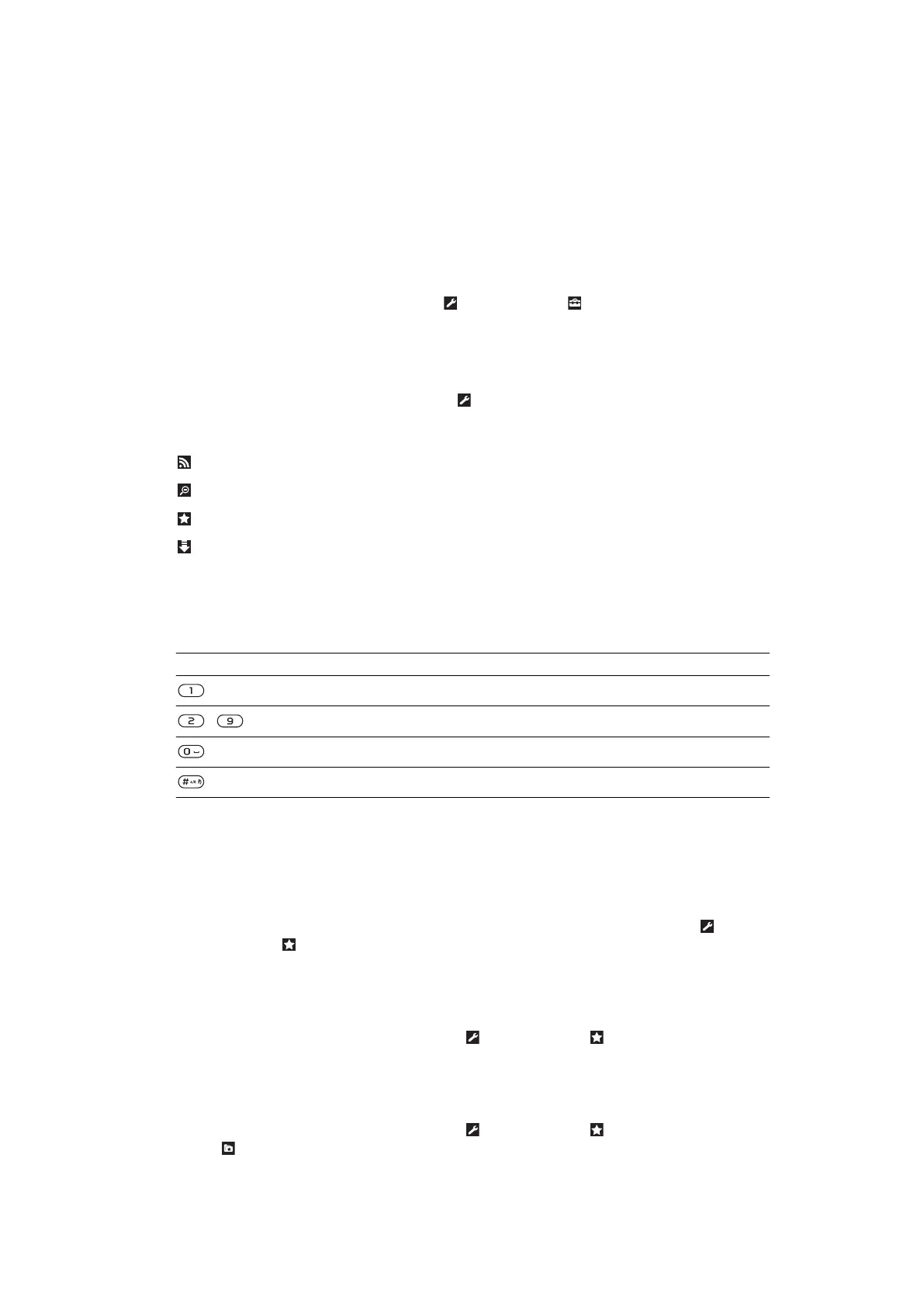
Web browser toolbar
When you are viewing a web page, select
. The following options appear:
Icon Function
Add the web page to your web feeds
Pan and zoom the web page
Manage your favorite web pages
Manage the files you have downloaded from the Internet
Web browser shortcuts
You can use the keypad to go directly to a web browser function.
Key
Shortcut
Bookmarks
-
Enter text to Enter address, Search Internet or search in Bookmarks
Zoom
Overview (when Smart-Fit is off)
Bookmarks
You can create and edit bookmarks as quick links to your favorite web pages.
To create a bookmark
1
When you are viewing a web page you want to add to your bookmarks, select
and then select .
2
Select Add as bookmark.
To select a bookmark
1
Select Menu > Internet.
2
When you are browsing the Internet, select
and then select .
3
Scroll to a bookmark and select Go to.
To send a bookmark
1
Select Menu > Internet.
2
When you are browsing the Internet, select
and then select .
3
Select
and scroll to a bookmark.
4
Select Options > Send and select a transfer method.
51
This is an Internet version of this publication. © Print only for private use.











 To Next Page