Getting started: Using the T68 as a modem
9
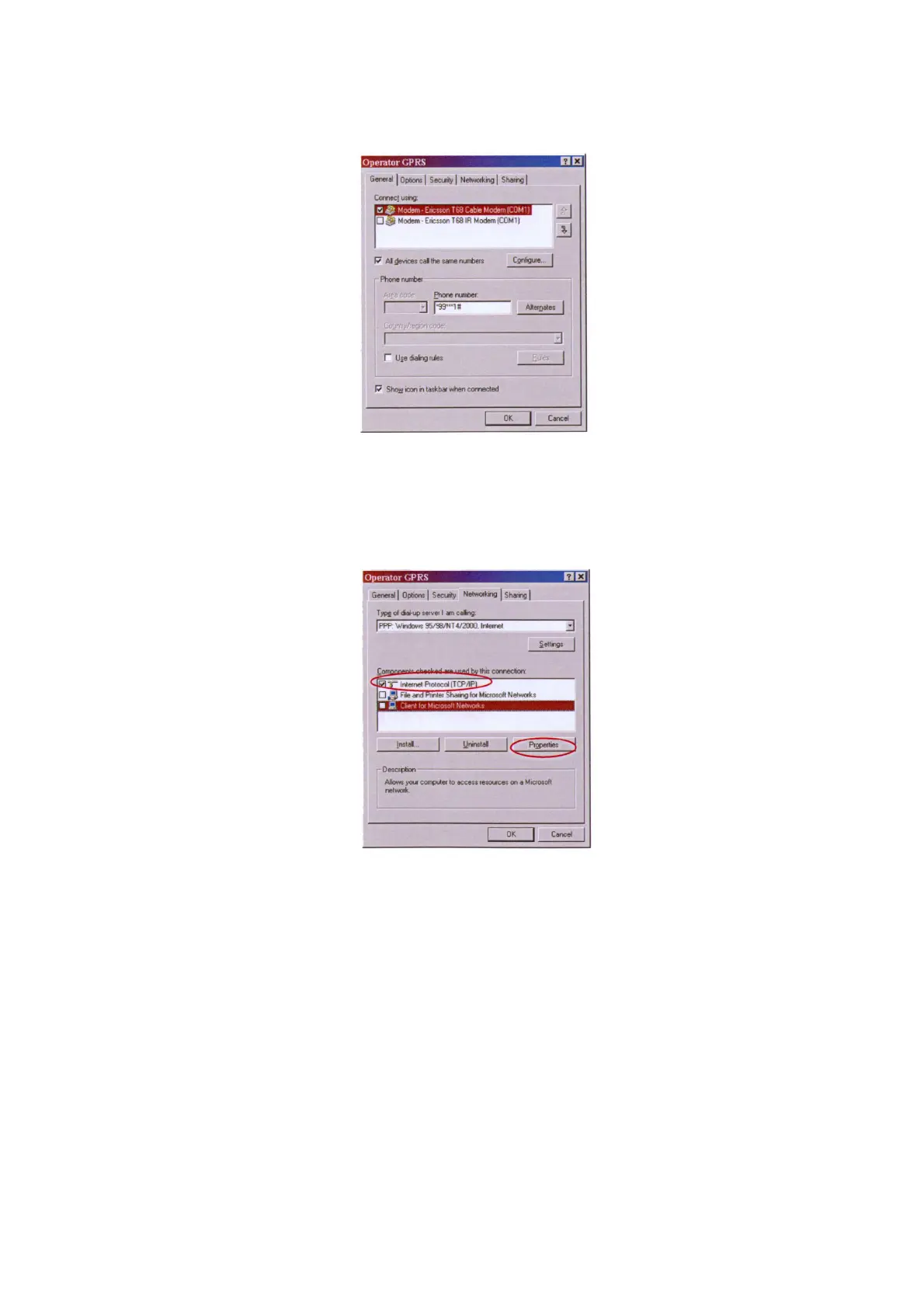
• Make sure the Use dialing rules check box is cleared.
9.On the Networking tab:
• In the Type of dial-up server I am calling box, select PPP.
•Under Components checked are used by this connection, select Internet Protocol
(TCP/IP). The other check boxes should be cleared.
• Click the Properties button.
10.On the General tab:
• Select Obtain an IP address automatically.
• Select Obtain DNS server address automatically.
Note: With some operators you have to select Use the following DNS server addresses.
If you cannot browse the Internet after a connection has been established, check with your
GSM operator what name server address (DNS) to use.
•Click Advanced.
11.On the General tab:
• Use IP header compression should be cleared.
12.Click OK three times to save the settings.












 To Next Page