Getting started: Using the T68 as a modem
21
Configuring Pocket PC 2002 for use with the T68 as a modem using High Speed Data
(GSM Data)
1.Open the Connection Manager by tapping Start. Tap Settings and then tap the
Connections tab.
2.Tap the Connections icon.
3.In the Internet Settings list, tap New.
4.On the General tab, enter a name (for example, your ISP).
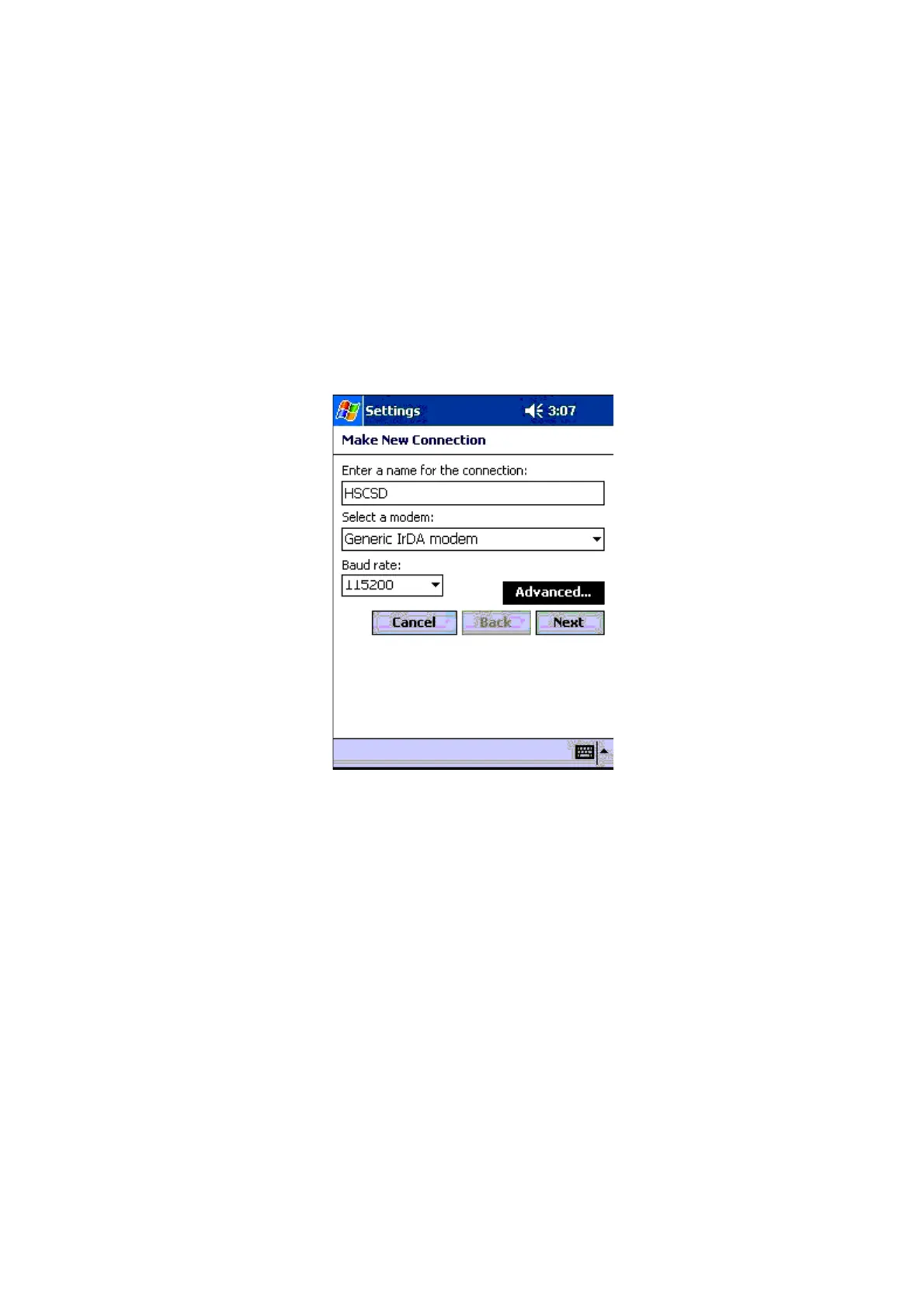
5.On the Modem tab, create a new modem setting by tapping New. Then enter the following
settings:
• Name: optional (for example, HSCSD)
• Select a modem: Select the modem type you intend to use (for example, Generic IrDA
modem if you are using infrared).
• Baud rate: max. 115200
6.Tap the Advanced button.












 To Next Page