Getting started: Using the T68 as a modem
1
Introduction
Your phone has a built-in modem. You can use it to connect a PC or a PDA to your Internet
Service Provider (ISP) to browse the Internet or manage your e-mail messages.
You can also use the modem to transfer files (for example, using FTP) or to send and receive
fax messages.
Connecting to the PC or PDA
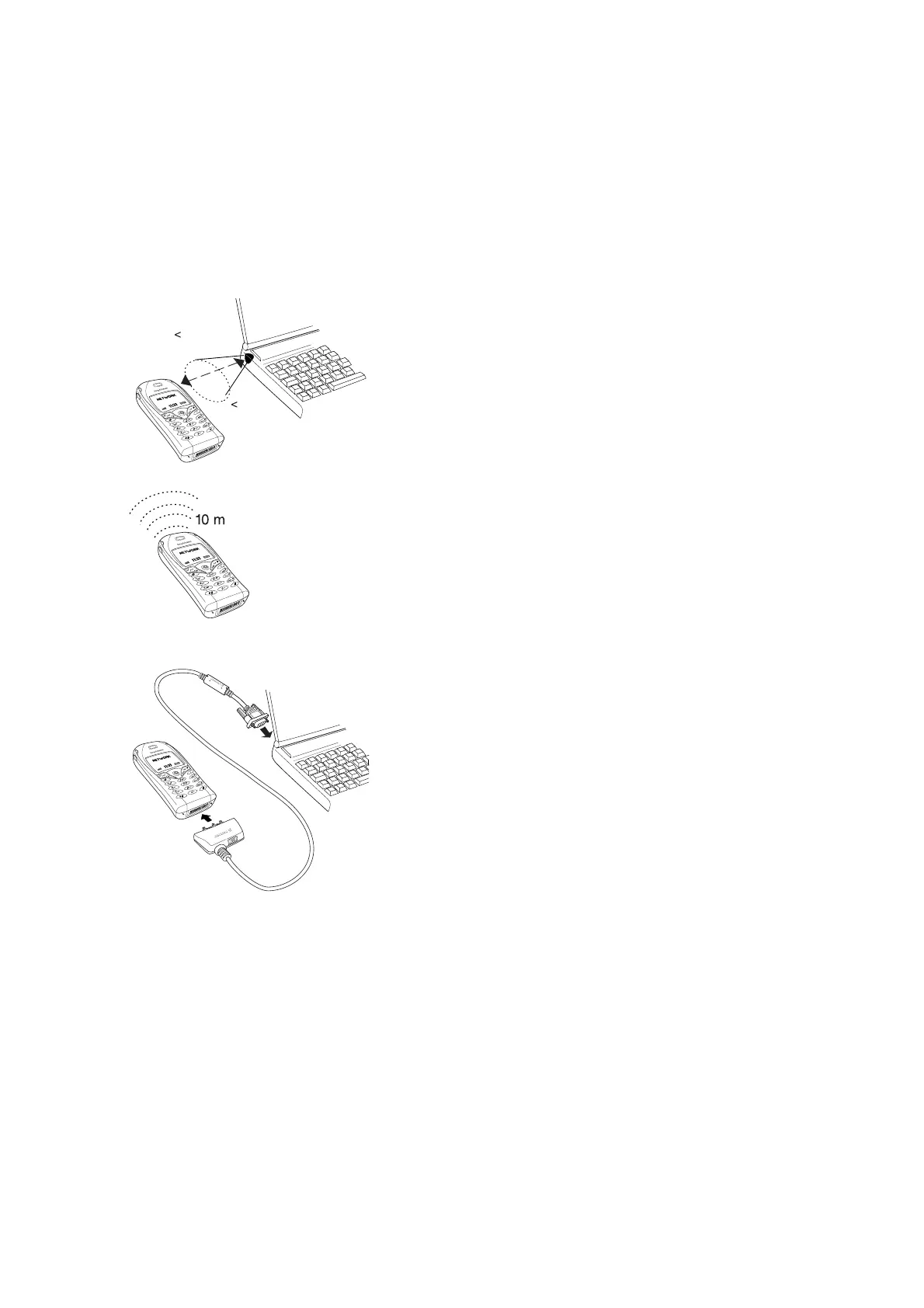
You can connect the modem to the PC or PDA using:
• Infrared communication. To turn on the infrared port in
your phone, scroll to
Connect/Infrared port.
• Bluetooth™ wireless technology. To use Bluetooth™
wireless technology you need to pair your phone with a
Bluetooth-enabled computer. To use dial-up networking via
Bluetooth™ wireless technology, the operation mode has
to be set to
On. To change operation mode in your phone,
scroll to
Connect/Bluetooth/Options/Operation mode.
• Ericsson serial interface cable DRS-10 or DRS-11 (RS-232
cable) (PC only)
The instructions in this document focus on how to set up:
• a PC running Windows® to use a GPRS connection
• a Palm™ m505/V™ to use a GPRS or a High Speed Data (GSM Data) connection.
• a Pocket PC 2002 to use a GPRS or a High Speed Data (GSM Data) connection.
Before you set up your computer and start using the modem make sure you have the following:
• GSM phone subscription that supports GPRS or High Speed Data.
• Data account set up in your phone (recommended). See the T68 User’s Guide and your
GSM operator’s subscription information for details.
3' 3"
1 m
30°












 To Next Page