14
GB
Watching the TV
Using Your BRAVIA TV
1
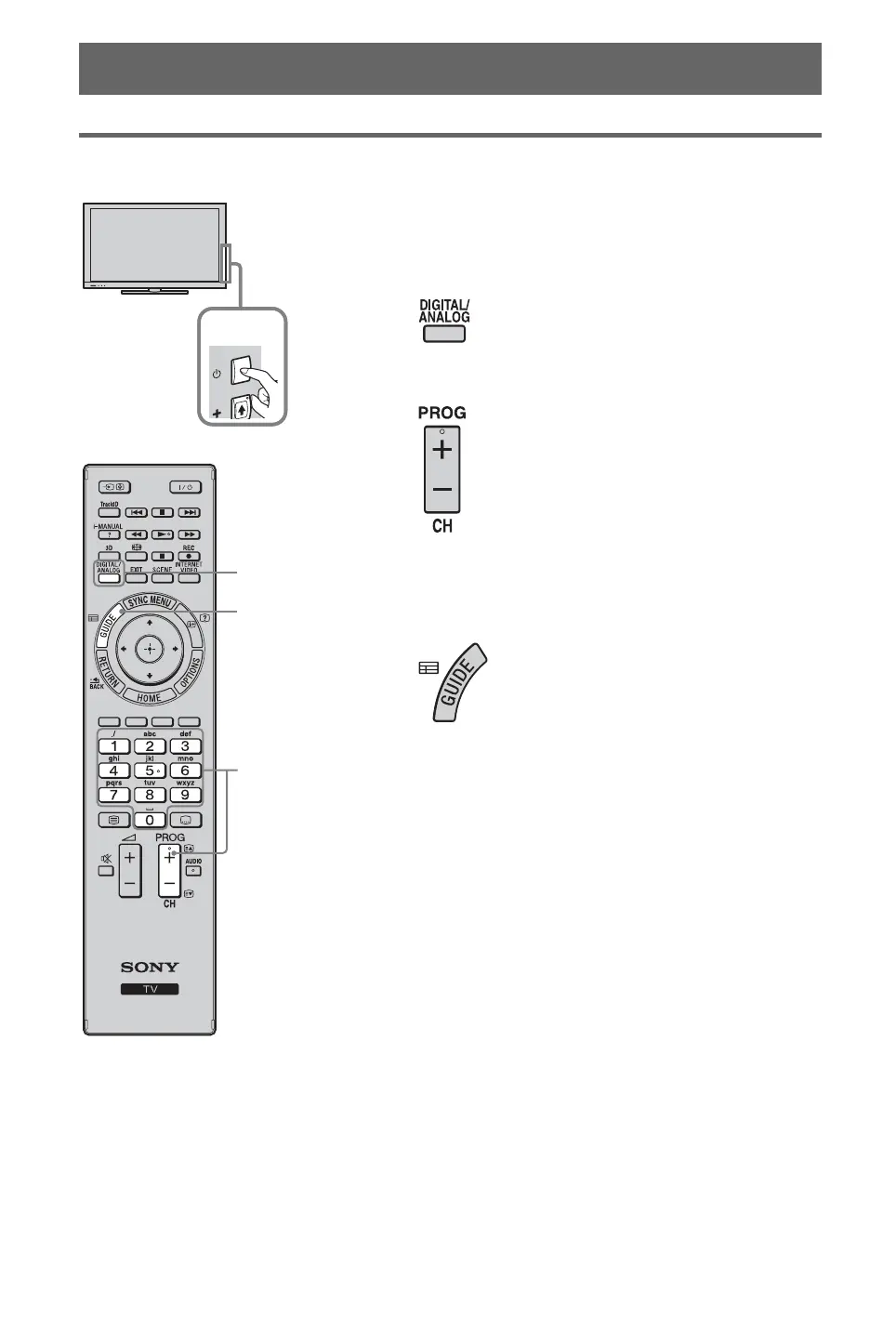
Turn on the TV.
Press 1 on the TV to turn on the TV.
2
Select a mode.
3
Select a TV channel.
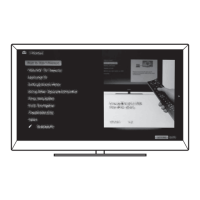
To use Digital Electronic Programme Guide
Press GUIDE in digital mode to display the
programme guide.
Use with 0-9 to select digital channels. For channel
numbers 10 and above, press the next digit quickly.
z
• The number 5, N, PROG + and
AUDIO buttons on the remote
have a tactile dot. Use the tactile
dots as a reference when
operating the TV.
1
GUIDE
2
3


 To Next Page