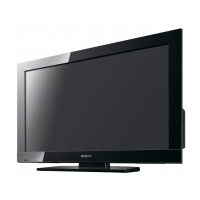
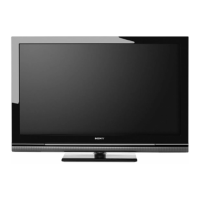
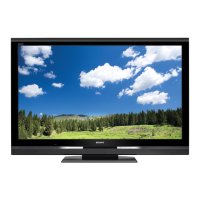
9
GB
Getting Started
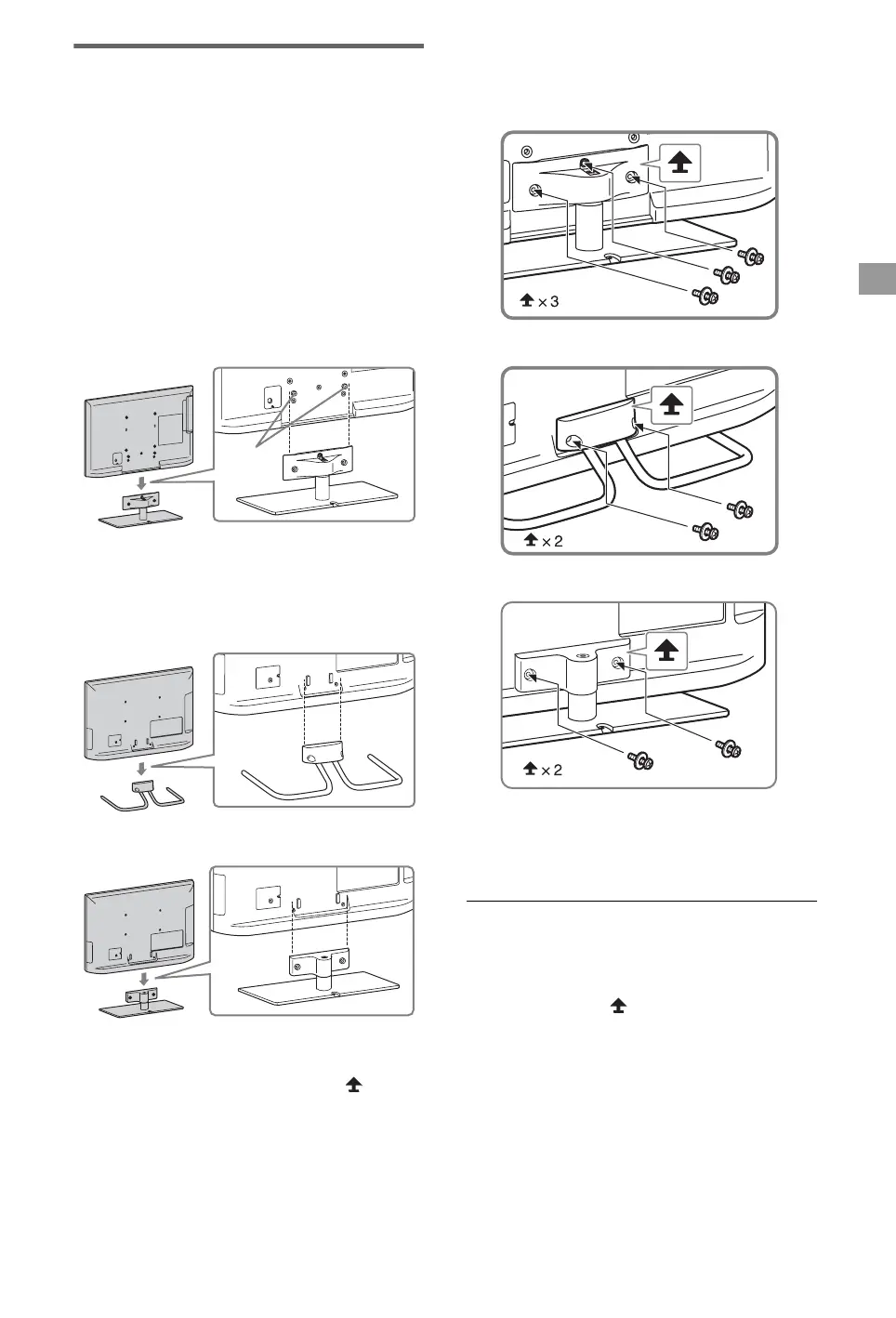
1: Attaching the Table-Top
Stand
1 Refer to the supplied Table-Top Stand
leaflet for proper attachment for some
TV models.
2 Place the TV set on the Table-Top
Stand.
B For KDL-55/46/40/37/32EX72x,
KDL-46/40HX72x,
KDL-46/40/37/32EX52x,
KDL-46/40/32CX52x,
KDL-32EX42x
~
• Align the TV from the top, slide it in until the
guide pins cannot be seen.
B For KDL-26/24/22EX320
B For KDL-26EX321
3 Fix the TV to the Table-Top Stand
according to the arrow marks that
guide the screw holes using the
supplied screws.
B For KDL-55/46/40/37/32EX72x,
KDL-46/40HX72x,
KDL-46/40/37/32EX52x,
KDL-46/40/32CX52x,
KDL-32EX42x
B For KDL-26/24/22EX320
B For KDL-26EX321
~
• If using an electric screwdriver, set the torque at
approximately 1.5 N·m {15 kgf·cm}.
Detaching the Table-Top Stand
from the TV
To detach the Table-Top Stand from the TV,
remove the screws fixed in step 3.
~
• Do not remove the Table-Top Stand for any
reason other than to install corresponding
accessories on the TV.
• When removing the Table-Top Stand from the
TV, lay the display face down on a stable work
surface that is larger than the TV.
• To prevent damaging the surface of the LCD
display, make sure to place a soft cloth on the
work surface.
Guide
pins
(Continued)


 To Next Page