18
GB
Displaying Operating Instructions (i-Manual)
Operating instructions are built into your BRAVIA TV and can be displayed on the screen.
To learn more about your TV features, access your i-Manual with the touch of a button.
1
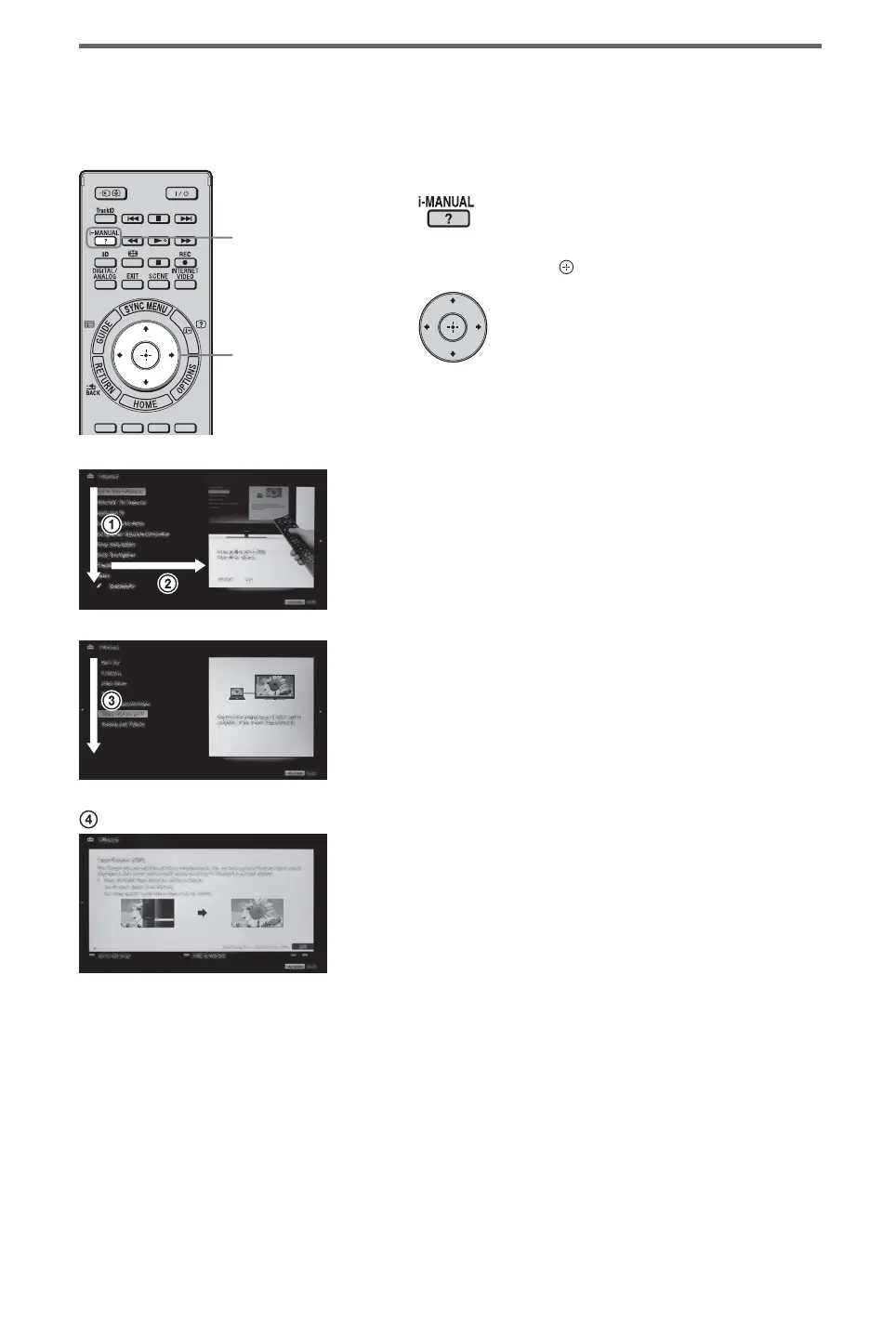
Press i-MANUAL.
2
Press F/f/G/g/ to select items.
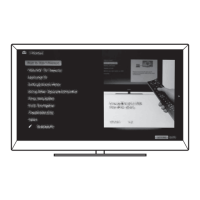
To select items in the i-Manual
1 Press F/f to select an item.
The contents in the item are displayed on the
right as the second layer.
2 Press g to move to the second layer.
3 Press F/f to select an item from the second
layer.
A digest of the item is displayed on the right.
If the third layer is available, repeat this step
to display the digest of the item.
4 Press g to select an item.
The content is displayed.
1
2


 To Next Page