16
GB
Selecting various functions and settings (Home Menu)
You can select all the features from the Home menu.
See page 17 for the Home menu map.
1
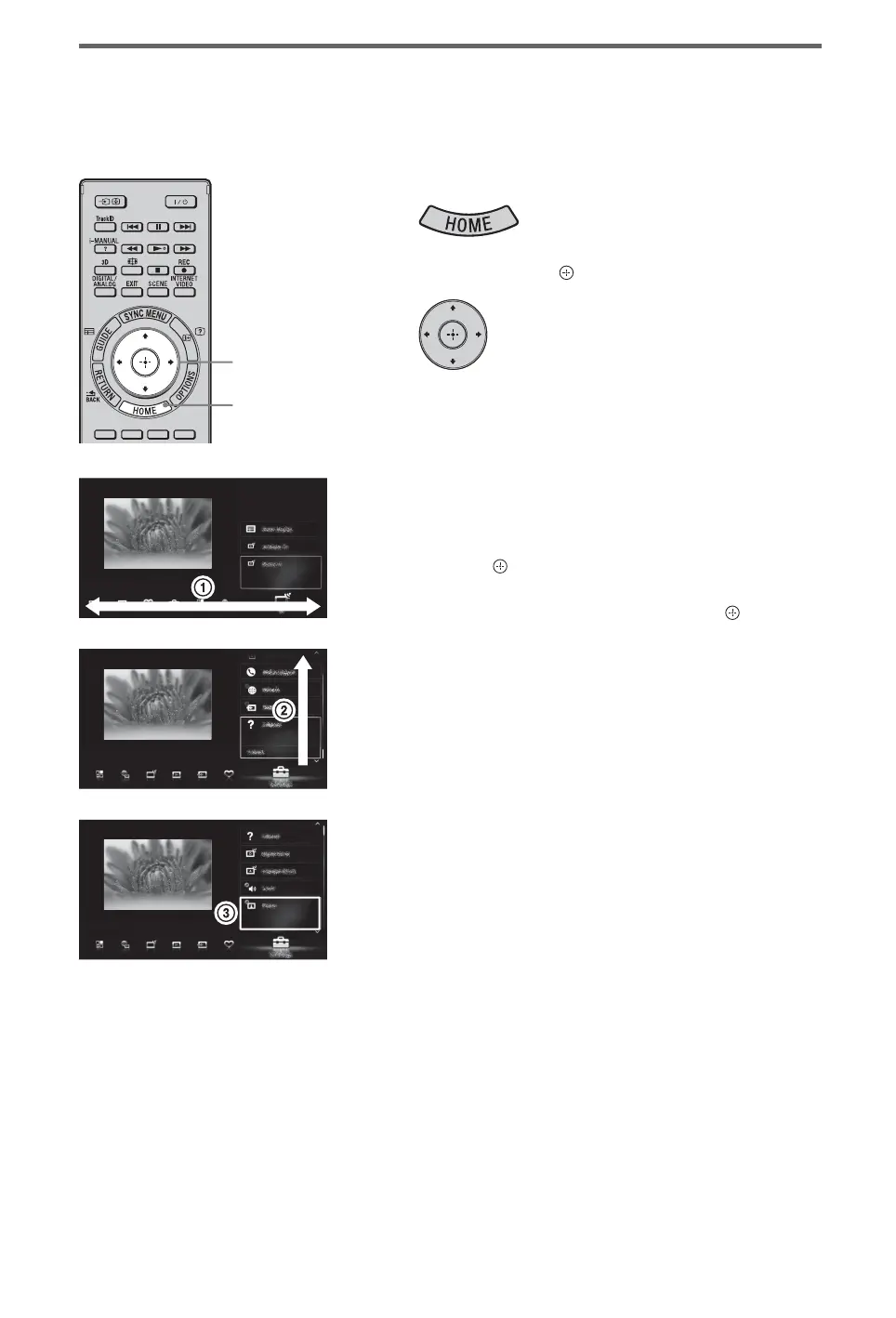
Press HOME.
2
Press F/f/G/g/ to select items.
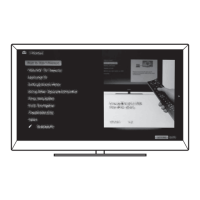
To select items in the Home menu (e.g.,
selecting “Settings”)
1 Press G/g to select “Settings”.
The contents of “Settings” are displayed on
the right.
2 Press F/f to select “Display”.
3 Press to launch the menu.
According to the screen instruction, press
F/f/G/g to select items and press to
confirm.
3
Press HOME to exit.
2
1, 3


 To Next Page