Movies
RAW images
[187] How to Use Viewing Using viewing functions
View Mode
Sets the View Mode (image display method).
1. MENU → (Playback) → [View Mode] → desired setting.
Menu item details
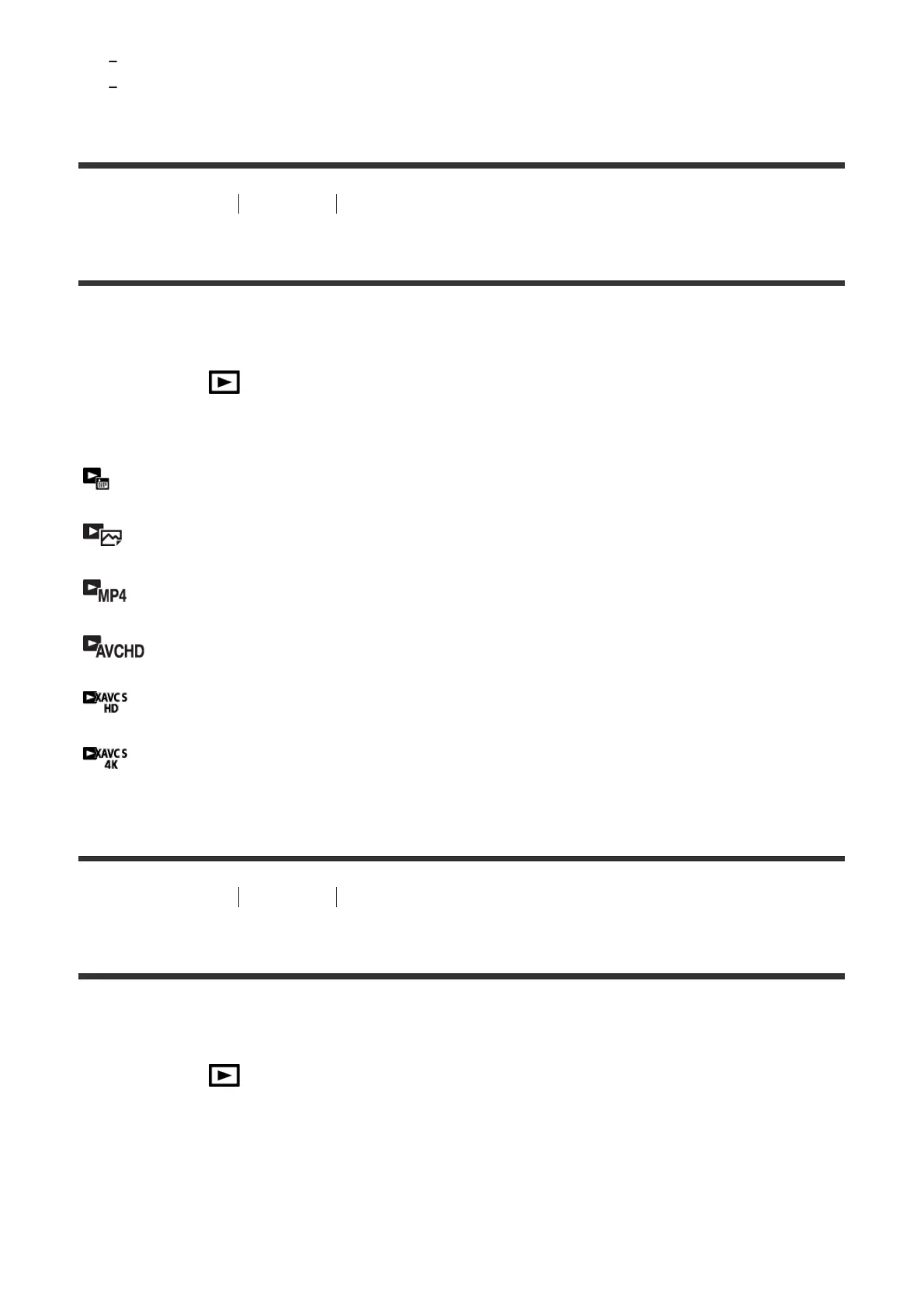
Date View:
Displays the images by date.
Folder View(Still):
Displays only still images.
Folder View(MP4):
Displays only MP4-format movies.
AVCHD View:
Displays only AVCHD-format movies.
XAVC S HD View:
Displays only XAVC S HD-format movies.
XAVC S 4K View:
Displays only XAVC S 4K-format movies.
[188] How to Use Viewing Using viewing functions
Display Rotation
Selects the orientation when playing back recorded still images.
1. MENU → (Playback) → [Display Rotation] → desired setting.
Menu item details
Auto:
When you rotate the camera, the displayed image rotates automatically detecting the
orientation of the camera.



 To Next Page