6. (Flash pop-up) button
7. MENU button
8. AF/MF/AEL switch lever
9. For shooting: AF/MF button/AEL button
For viewing: (Enlarge) button
10. MOVIE (Movie) button
11. For shooting: Fn (Function) button
For viewing: (Send to Smartphone) button
You can display the screen for [Send to Smartphone] by pressing this button.
12. Control wheel
13. Center button
14. C2 (Custom 2) button/ (Delete) button
15. (Playback) button
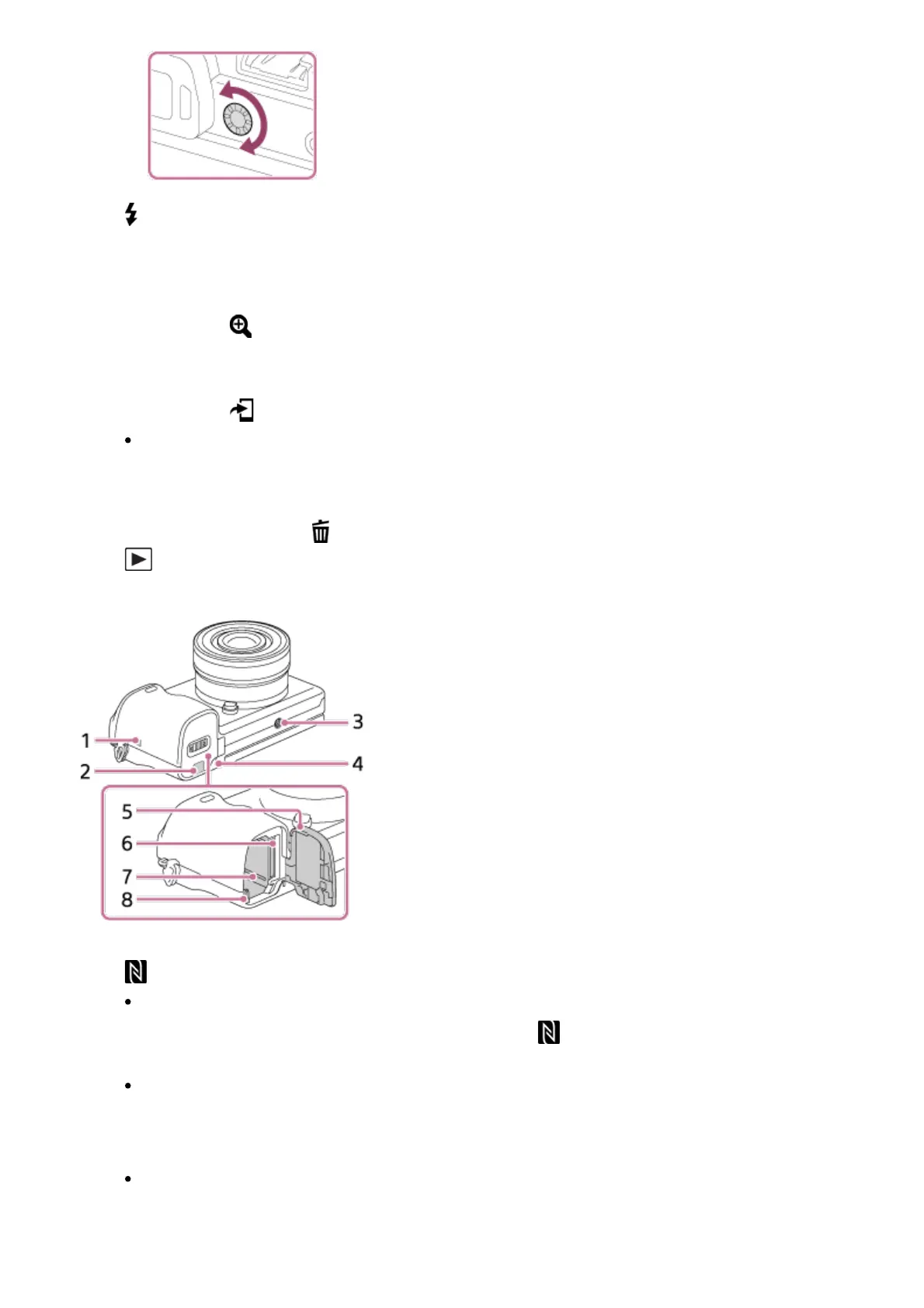
1. (N mark)
Touch the mark when you connect the camera to a smartphone equipped with the
NFC function. For details on the location of the (N mark) on your Smartphone,
refer to the operating instructions of the Smartphone.
NFC (Near Field Communication) is an international standard of the short-range
wireless communication technology.
2. Connection plate cover
Use this when using an AC-PW20 AC Adaptor (sold separately). Insert the
connection plate into the battery compartment, and then pass the cord through the
connection plate cover as shown below.



 To Next Page