wheel or by turning the control wheel, and then press on the center of the control
wheel.
Select an icon at the top of the screen and press the left/right side of the control
wheel to move to another MENU item.
4. Select the desired setting value, and press to confirm.
[27] How to Use Confirming the operation method Confirming the operation method
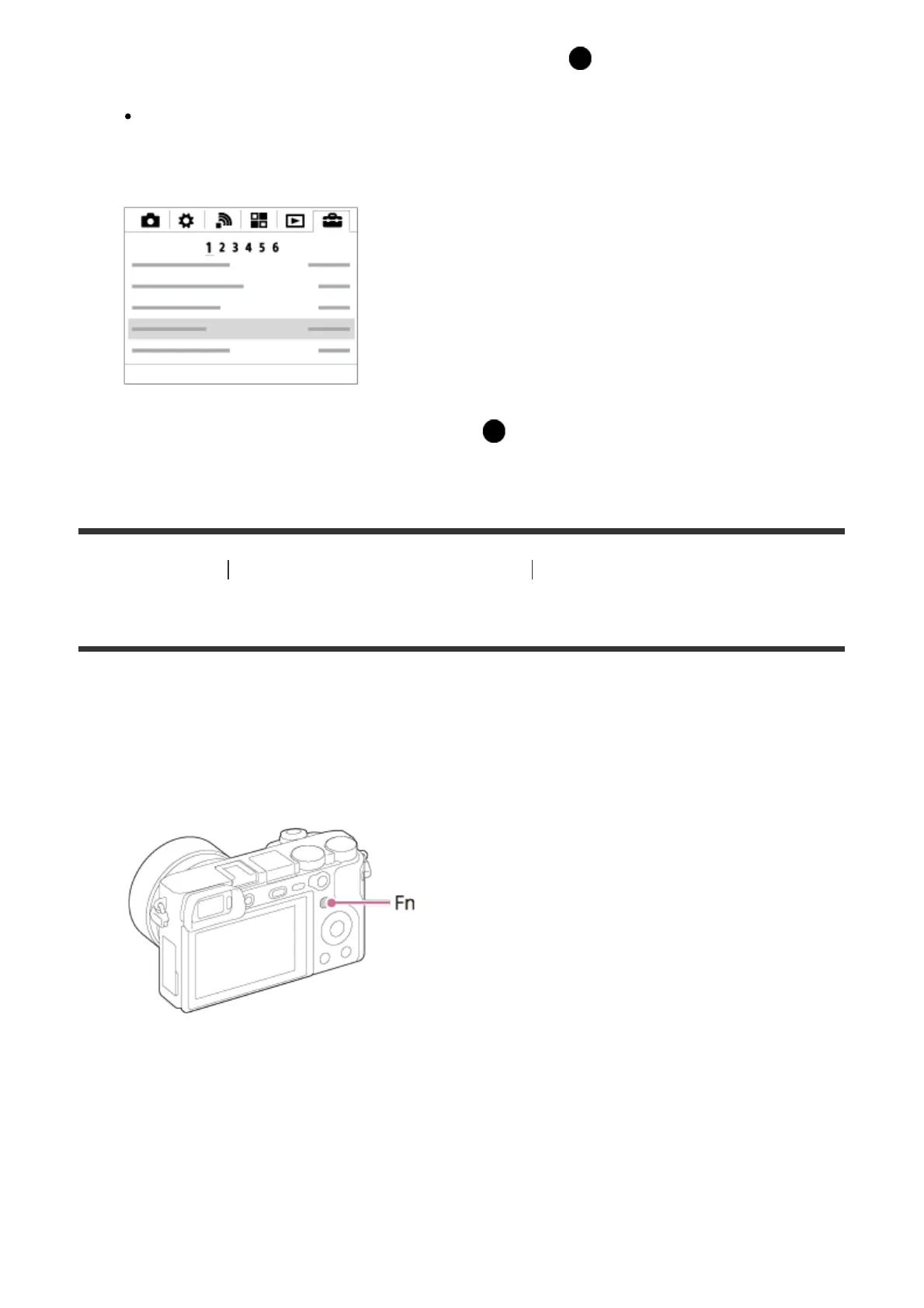
Using the Fn (Function) button
You can register frequently used functions to the Fn (function) button and recall them while
shooting. Up to 12 frequently used functions can be registered to the Fn (Function) button.
1. Press the DISP button, and then press the Fn (Function) button in a screen mode other
than [For viewfinder].
2. Select a function to be registered by pressing the up/down/left/right side of the control
wheel.



 To Next Page