http://www.sony.net/pmca/
2. Follow the instructions on the screen and acquire a service account.
Follow the instructions on the screen to download the desired application to the
product.
[258] How to Use Adding applications to the product Installing the applications
Downloading applications
You can download applications using your computer.
1. Access the application downloading website.
http://www.sony.net/pmca/
2. Select the desired application and download the application to the product following the
instructions on the screen.
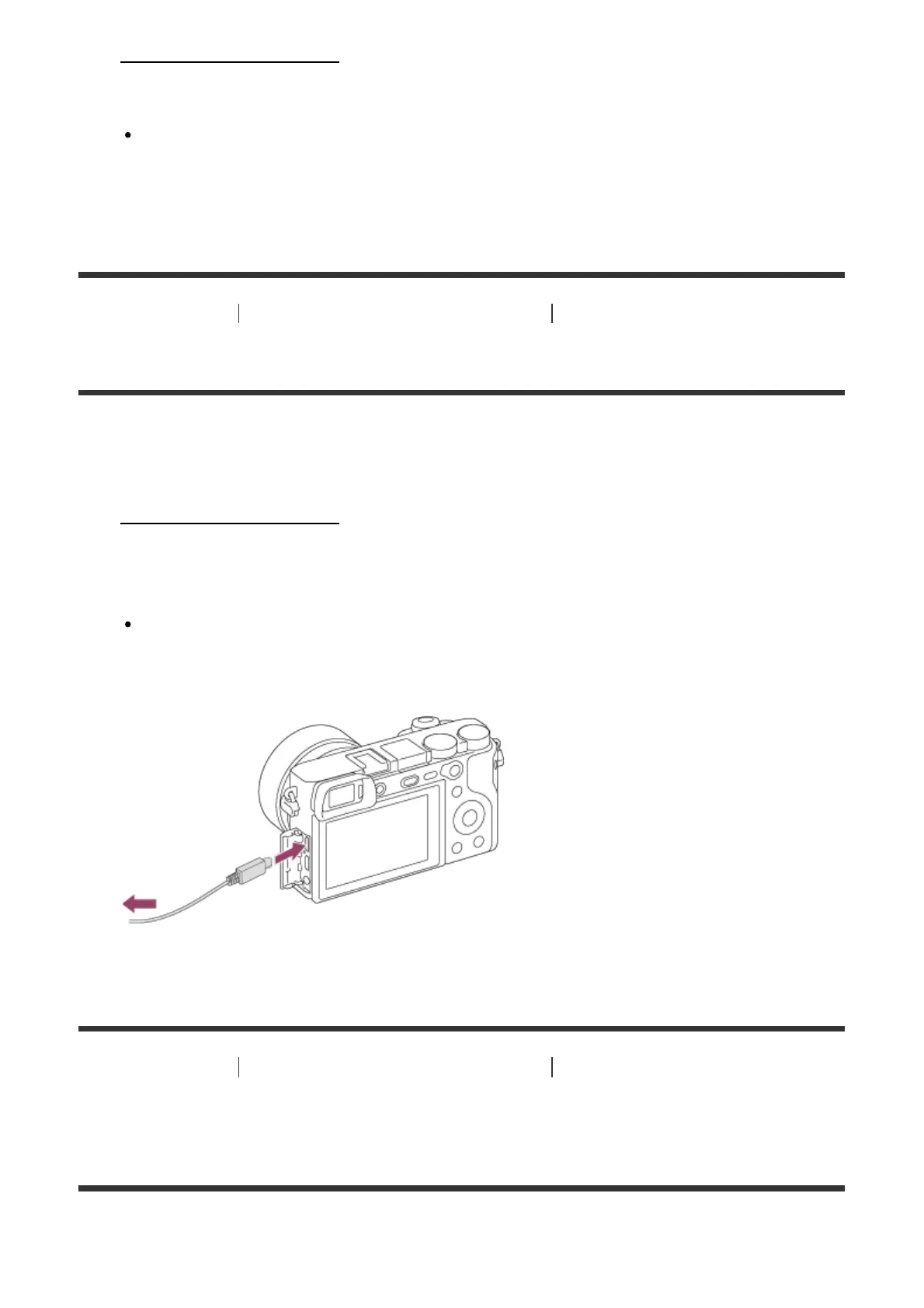
Connect the computer and the product using the micro USB cable (supplied),
following the instructions on the screen.
[259] How to Use Adding applications to the product Installing the applications
Downloading applications directly to the product using
the Wi-Fi function
You can download applications using the Wi-Fi function without connecting to a computer.



 To Next Page