Make sure that the cord is not pinched when you close the cover.
3. Tripod socket hole
Use a tripod with a screw less than 5.5 mm (7/32 inches) long. Otherwise, you
cannot firmly secure the camera, and damage to the camera may occur.
4. Access lamp
5. Battery/memory card cover
6. Memory card slot
7. Battery insertion slot
8. Battery lock lever
[3] How to Use Before Use Names of parts
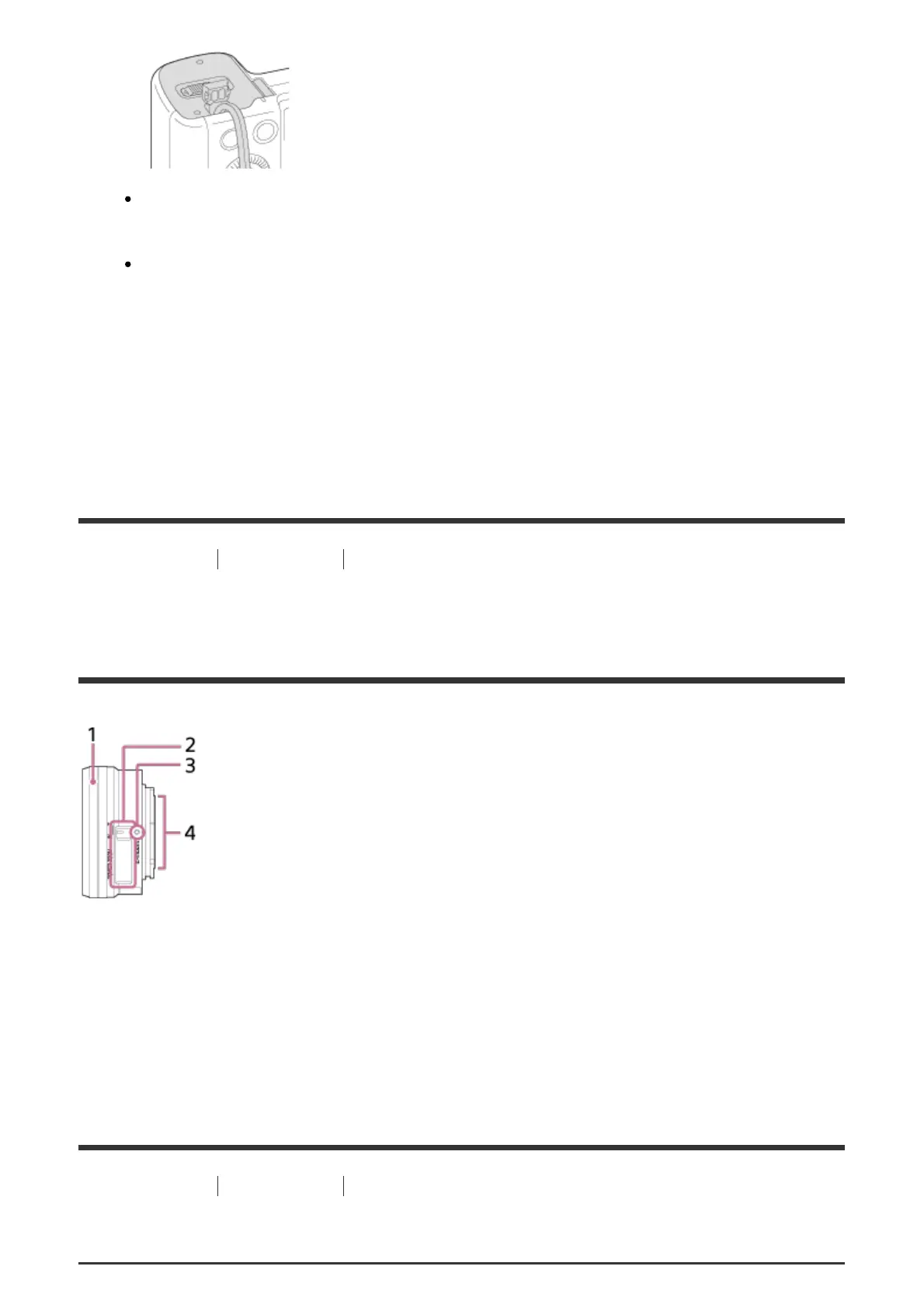
Identifying parts Lens E PZ 16–50mm F3.5–5.6 OSS
(supplied with ILCE-6300L)
1. Zooming/Focusing ring
2. Zooming lever
3. Mounting index
4. Lens contacts*
*
Do not touch this part directly.
[4] How to Use Before Use Icons and indicators
List of icons on the screen



 To Next Page