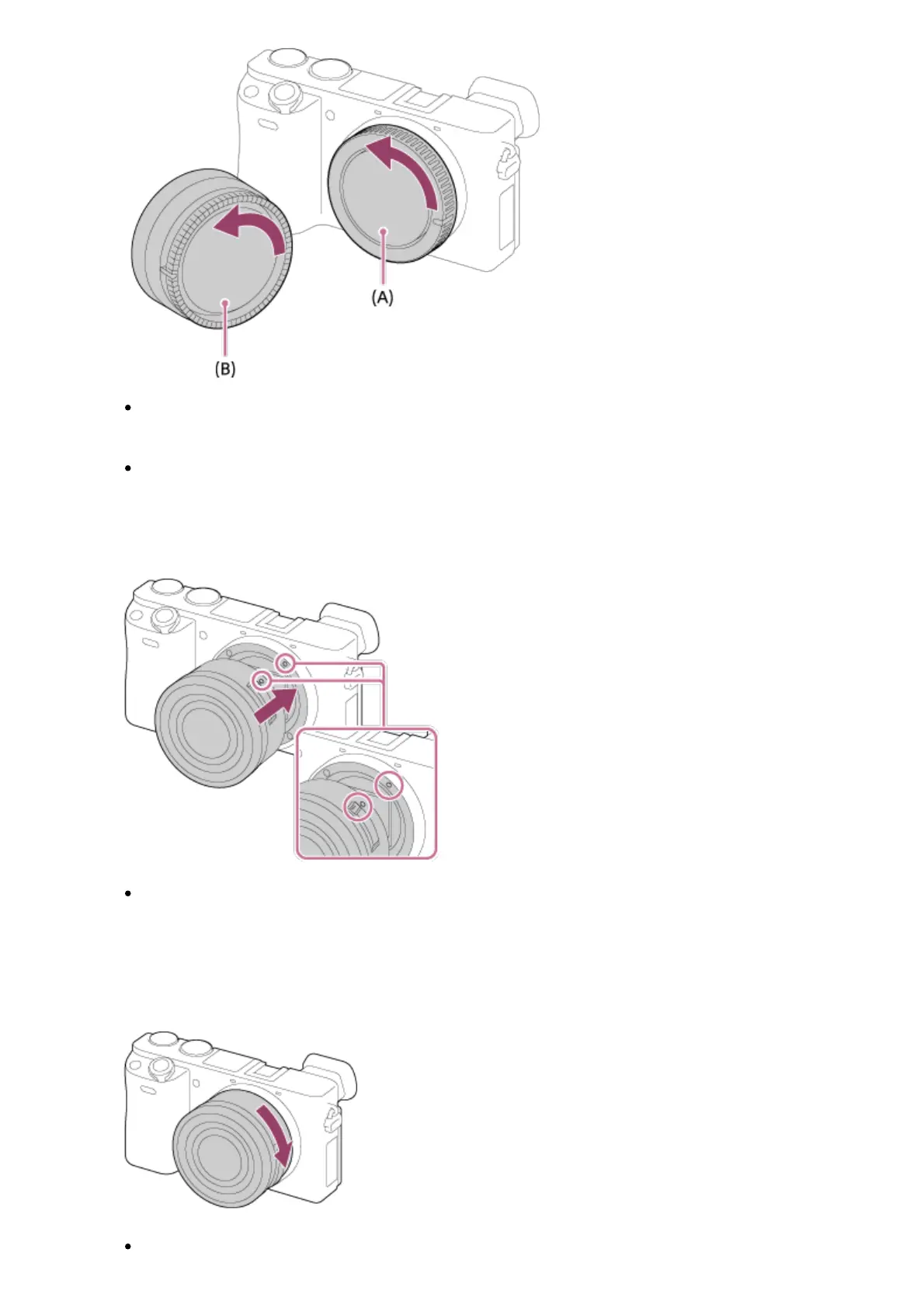
When changing the lens, work quickly in a dust-free location to keep dust or debris
from getting inside the camera.
When shooting, remove the front lens cap from the front of the lens.
2. Mount the lens by aligning the two white index marks (mounting indexes) on the lens
and camera.
Hold the camera with the lens facing down to prevent dust and debris from entering
the camera.
3. While pushing the lens lightly toward the camera, turn the lens slowly in the direction of
the arrow until it clicks into the locked position.
Be sure to hold the lens straight when attaching it.



 To Next Page