Eye-Start AF (still image)
Sets whether or not to use autofocus when you look through an Electronic Viewfinder.
1. MENU → (Custom Settings) → [ Eye-Start AF] → desired setting.
Menu item details
On:
Auto focusing starts when you look through the Electronic Viewfinder.
Off:
Auto focusing does not start when you look through the Electronic Viewfinder.
Hint
[ Eye-Start AF] is available when an A-mount lens and a Mount Adaptor (LA-EA2, LA-
EA4) (sold separately) are attached.
[81] How to Use
Using shooting functions Adjusting the focus
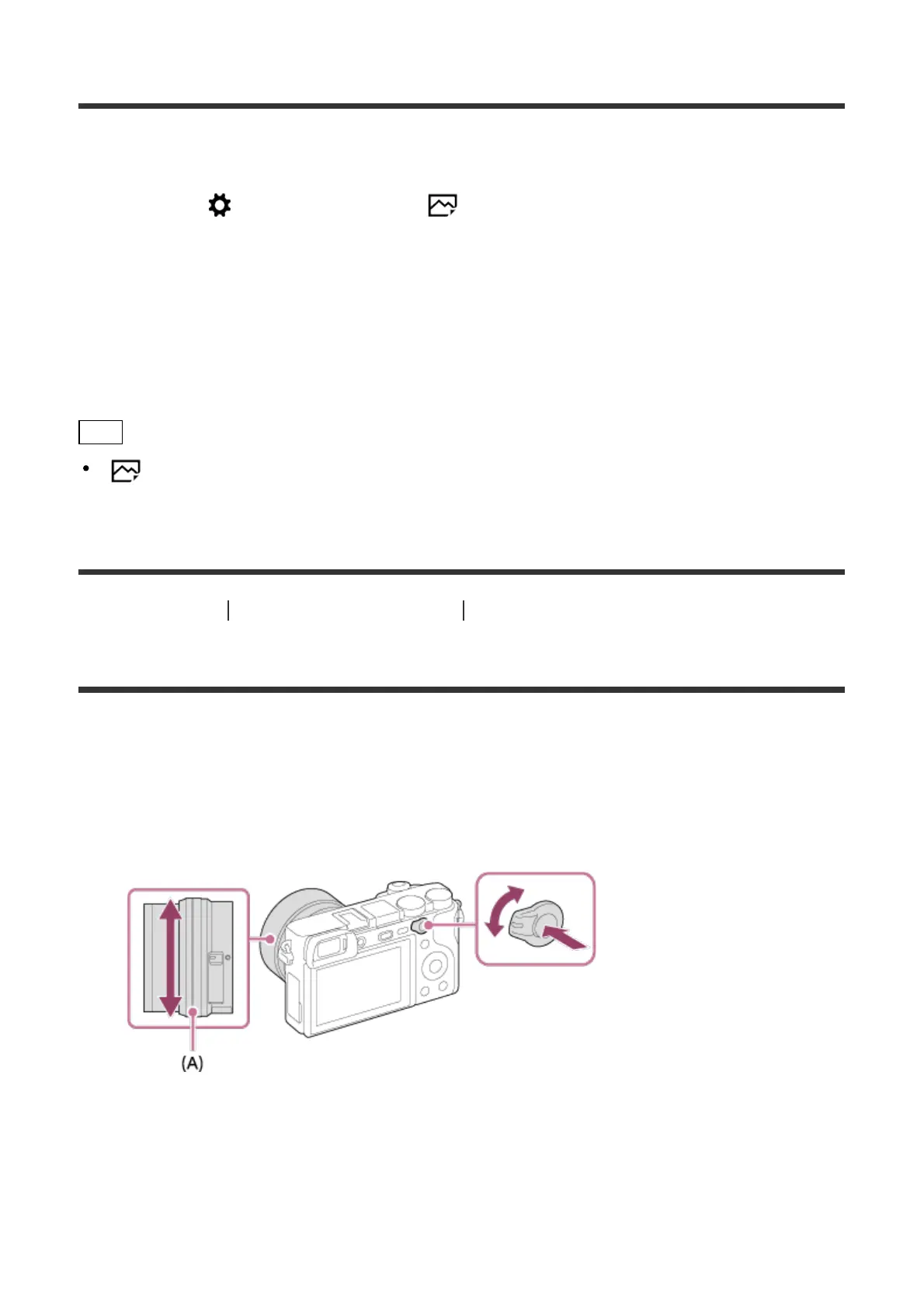
AF/MF control
You can easily switch the focusing mode from auto to manual and vice versa while shooting
without changing your holding position. The setting applies to both still images and movies.
1. Switch the AF/MF/AEL switch lever to the AF/MF position, then press the AF/MF
button.
During auto focus:
Temporarily switches the focusing mode to manual. Adjust the focus by turning the focus
ring (A) while holding down the AF/MF button.
During manual focus:
Temporarily switches the focusing mode to auto while the AF/MF button is held down, and



 To Next Page