SLT-A65/A65V
4-287-953-11(1)
G:\Works\CX86800\DTP\IM\4287953111\4287953111SLTA65A65VU2\01GB-
SLTA65A65VU2\080BEF.fm
Master: Right
59
The functions selected with the MENU button
Functions list
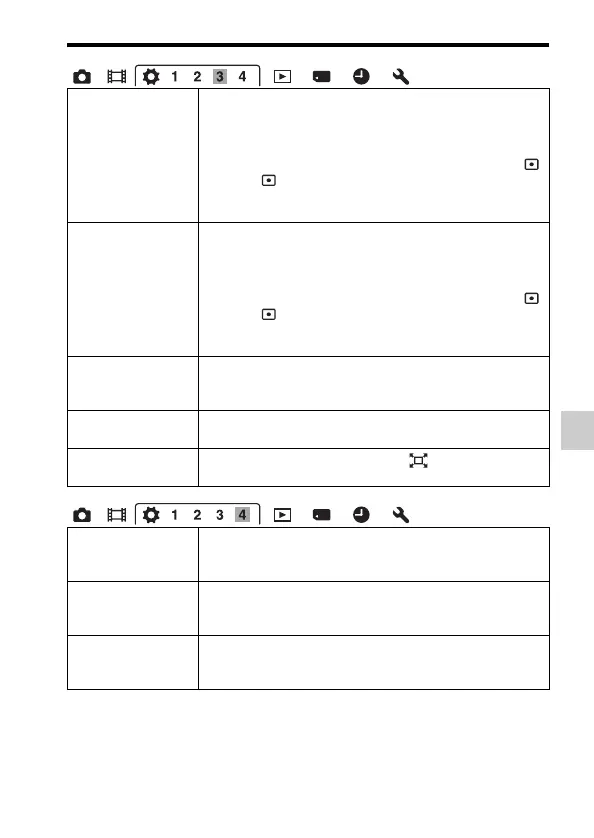
Func. of AEL button Assigns the desired function to the AEL button.
(Exposure Comp./Drive Mode/Flash Mode/Autofocus Mode/
AF area/Face Detection/Smile Shutter/ISO/Metering Mode/
Flash Comp./White Balance/DRO/Auto HDR/Creative Style/
Picture Effect/Image Size/Quality/AEL hold/AEL toggle/
AEL hold/ AEL toggle/Object Tracking/AF lock/Aperture
Preview/Shot. Result Preview/Smart Telecon./Focus
Magnifier)
ISO Button Assigns the desired function to the ISO button.
(Exposure Comp./Drive Mode/Flash Mode/Autofocus Mode/
AF area/Face Detection/Smile Shutter/ISO/Metering Mode/
Flash Comp./White Balance/DRO/Auto HDR/Creative Style/
Picture Effect/Image Size/Quality/AEL hold/AEL toggle/
AEL hold/ AEL toggle/Object Tracking/AF lock/Aperture
Preview/Shot. Result Preview/Smart Telecon./Focus
Magnifier)
Preview Button Selects the method to be used for the operating preview
button.
(Shot. Result Preview/Aperture Preview)
Focus Hold Button Sets the function of the focus hold button of the lens.
(Focus Hold/D.O.F.Preview)
Smart Telecon.
Button
Selects the operation method for the button.
(Smart Telecon./Focus Magnifier)
Lens Comp.: Shading Compensates for the shaded corners of the screen caused by
the lens attached.
(Auto/Off)
Lens Comp.: Chro.
Aber.
Reduces the color deviation at the corners of the screen
caused by the lens attached.
(Auto/Off)
Lens Comp.:
Distortion
Compensates for distortion on the screen caused by the lens
attached.
(Auto/Off)



 To Next Page