SLT-A65/A65V
4-287-953-11(1)
G:\Works\CX86800\DTP\IM\4287953111\4287953111SLTA65A65VU2\01GB-
SLTA65A65VU2\080BEF.fm
Master: Left
60
The functions selected with the MENU button
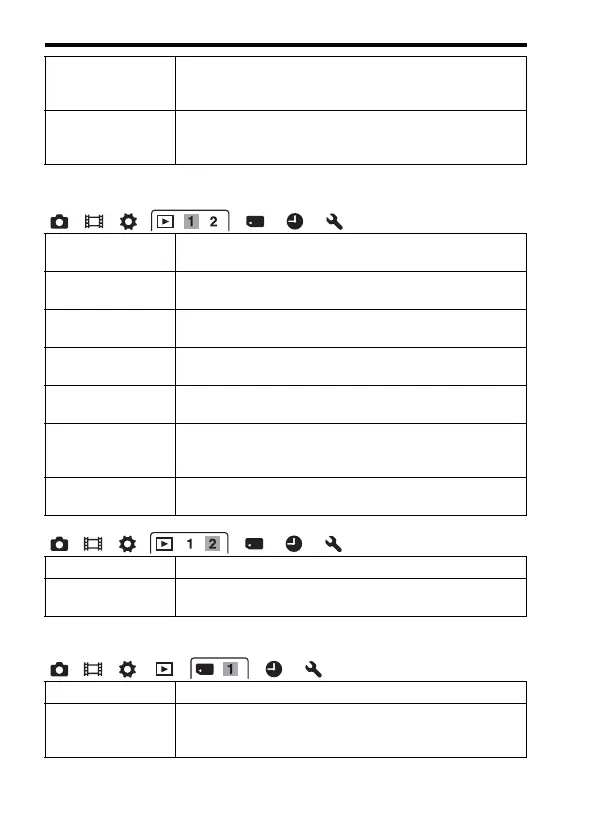
Playback menu
Memory Card Tool menu
Front Curtain Shutter Sets whether or not to use the electronic front curtain shutter
function.
(On/Off)
Face Registration Registers or changes the person to be given priority in the
focus.
(New Registration/Order Exchanging/Delete/Delete All)
Delete Deletes images.
(Multiple Img./All in Folder/All AVCHD view files)
View Mode Allows you to determine how to group the playback images.
(Folder View(Still)/Folder View(MP4)/AVCHD View)
Slide Show Shows a slide show.
(Repeat/Interval/Image Type)
Image Index Displays the image list.
(4 Images/9 Images)
3D Viewing Plays back 3D-images using a 3D-compatible TV connected
to the camera.
Protect Protects or cancels protection for an image.
(Multiple Img./Cancel All Images/Cancel All Movies(MP4)/
Cancel All AVCHD view files)
Specify Printing Specifies or unspecifies the images for DPOF.
(DPOF Setup/Date Imprint)
Volume Settings Sets the volume for movie playback.
Playback Display Sets how to play back an image recorded in portrait.
(Auto Rotate/Manual Rotate)
Format Formats the memory card.
File Number Sets the method used to assign file numbers to still images
and movies.
(Series/Reset)



 To Next Page