GB
22
Functions list
Operating the camera
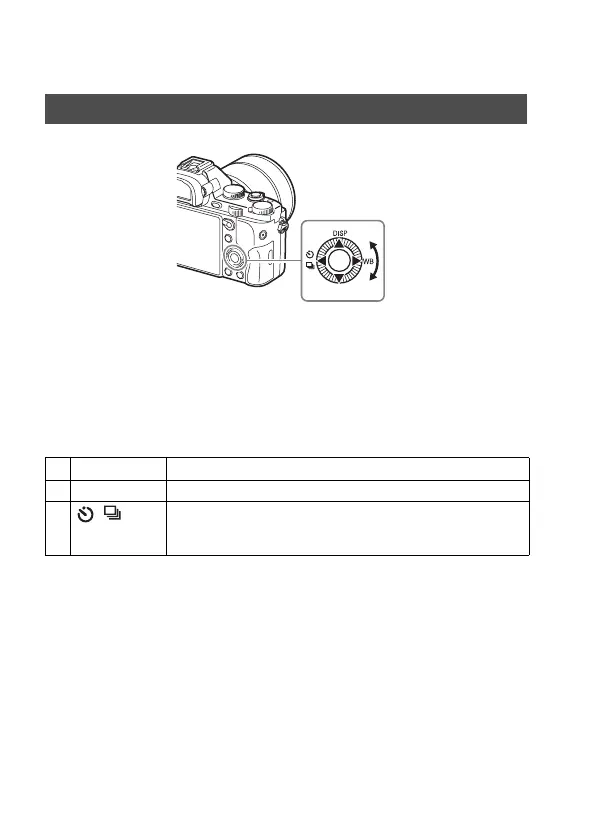
• You can turn the control wheel or press up/down/left/right on the control
wheel to move the selection frame. Press
z in the center of the control
wheel to set the selected item. In this manual, the action of pressing the
up/down/left/right side of the control wheel is indicated by v/V/b/B.
• The following functions are assigned to v/b/B on the control wheel. You
can also change the ISO sensitivity immediately by turning the control
wheel.
• You can assign a desired function to the V/b/B/
z buttons and to the
control wheel turning position in shooting mode.
• When you turn the control wheel or press b/B on the control wheel in
playback mode, you can display the previous or next image.
How to use the control wheel
v DISP Changes the screen display.
B WB White Balance
b / Drive Mode
• Cont. Shooting/Bracket
• Self-timer



 To Next Page