GB
43
GB
Deleting images
Once you have deleted an image, you cannot restore it. Be sure that you
want to delete the image before proceeding.
Notes
• Protected images cannot be deleted.
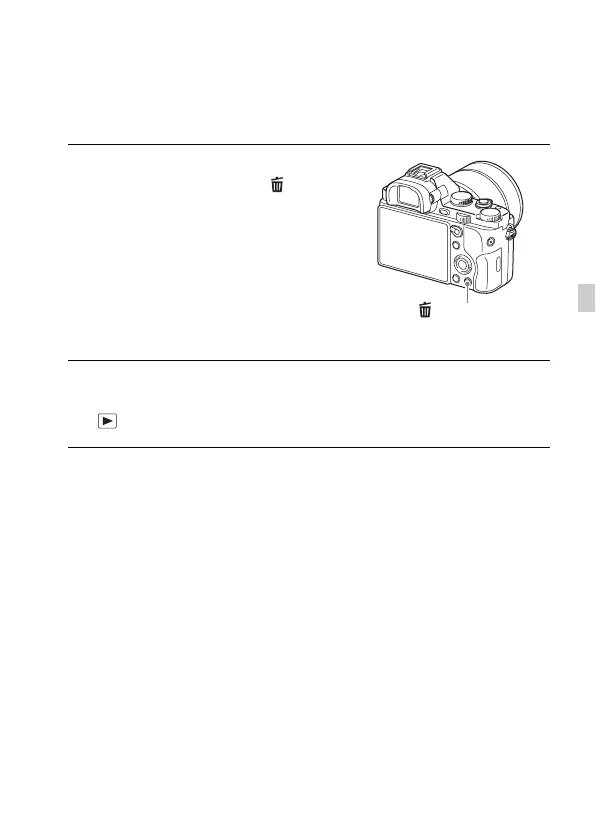
1 While displaying the image you
want to delete, press the
(Delete) button.
2 Select [Delete] with v/V on the control wheel, then press z.
• To delete several images at a time, select MENU button t
(Playback) 1 t [Delete].
(Delete) button



 To Next Page