Charging the battery pack
GB
31
GB
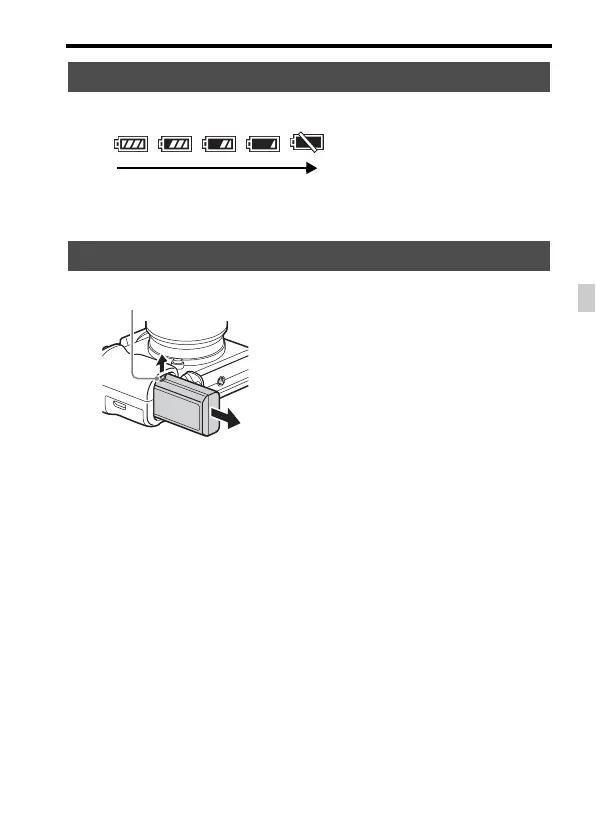
A remaining charge indicator appears on the screen.
Notes
• The remaining charge indicator may not be correct under certain circumstances.
Checking the remaining battery charge
To remove the battery pack
High Low
Turn off the camera. Slide the lock
lever after confirming that the access
lamp (page 12) is off, and remove the
battery pack.
Be sure not to drop the battery pack.
Lock lever



 To Next Page