Using the Wi-Fi and NFC one-touch functions
GB
46
Notes
• If a connection is not established, see the wireless access point operating instructions
or contact the administrator of the access point.
• To save images to a computer, install the following dedicated software on your
computer.
When using Windows: PlayMemories Home
www.sony.net/pm/
When using Mac: Wireless Auto Import
http://www.sony.co.jp/imsoft/Mac/
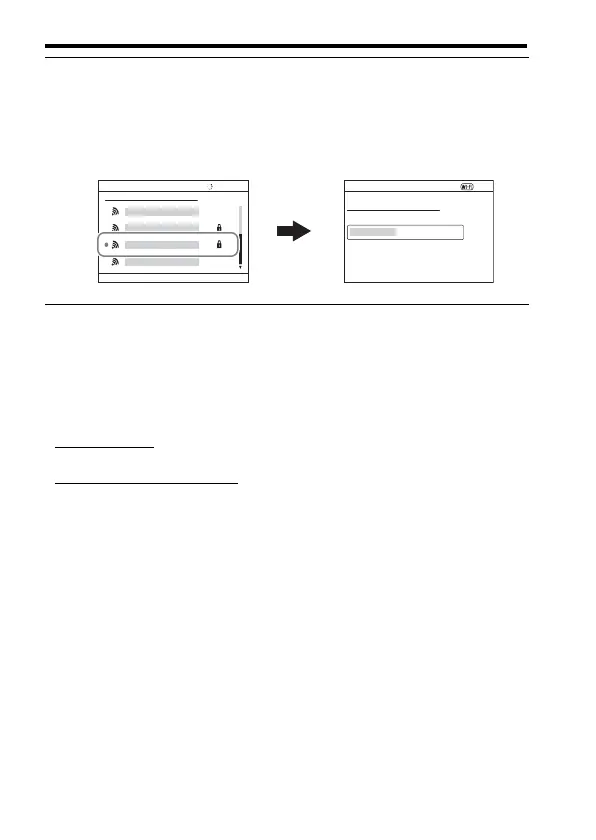
2 Use v/V on the control wheel to select the access point you
want to connect to. Press z in the center of the control wheel
and enter the password if a key icon is displayed with a
wireless access point, then select [OK].



 To Next Page