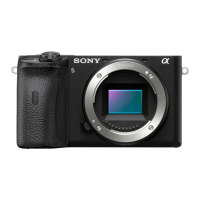
Camera (1)
Power cord (mains lead) (1)* (supplied in some countries/ regions)
* Multiple power cords may be supplied with this equipment. Use the appropriate one that matches your
country/region. See page 11.
Rechargeable battery pack NP-FZ100 (1)
Micro USB cable (1)
AC Adaptor (1)
The type of the AC Adaptor may differ depending on the country/ region.
Shoulder strap (1)
Eyepiece cup (1)
Shoe cap (1) (attached to the camera)
Startup Guide (this manual) (1)
Reference Guide (1)
Inserting the battery pack (supplied)/memory card (sold separately) into the camera
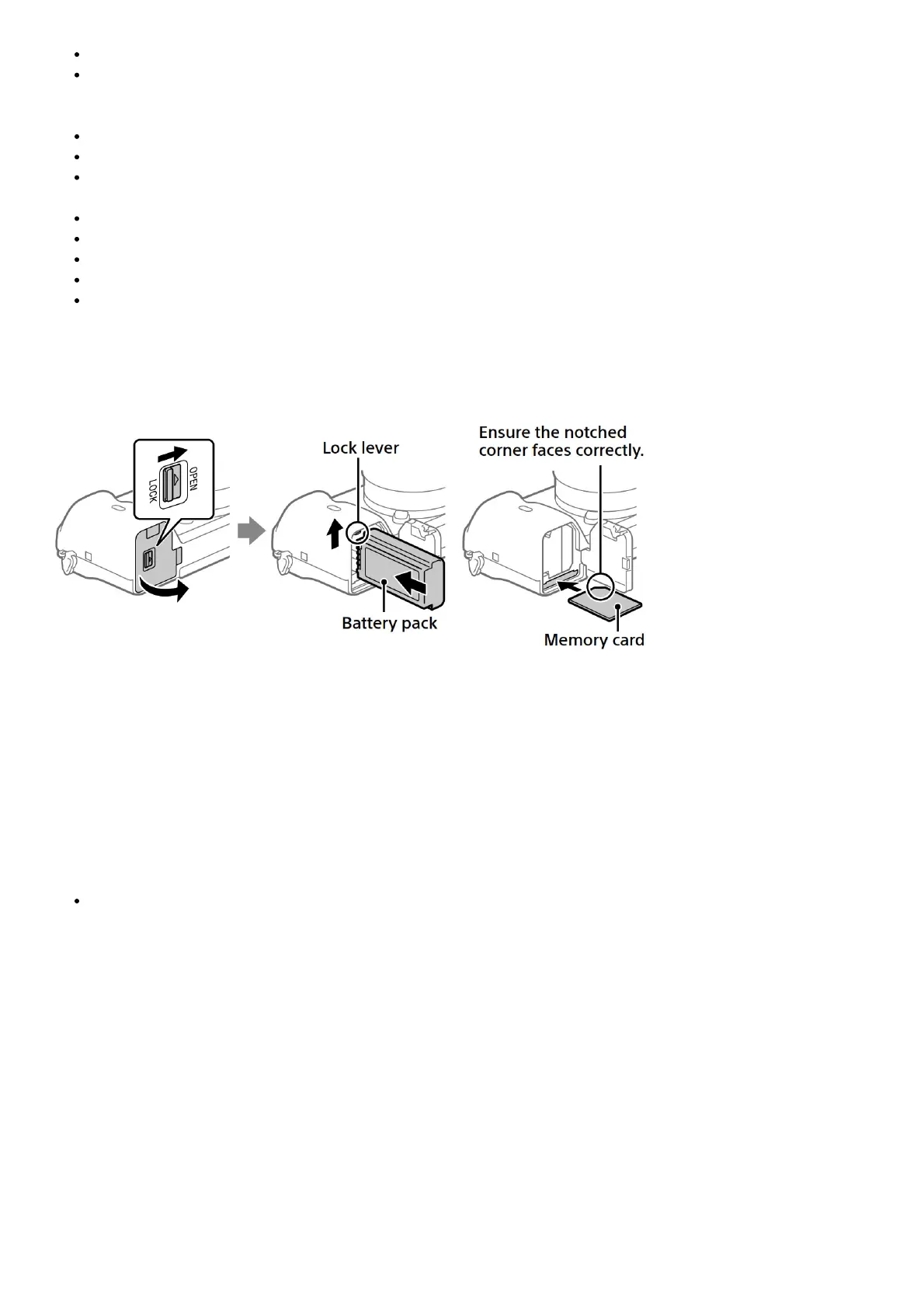
Open the battery/memory card cover, and insert the battery pack and a memory card into the camera. Then, close
the cover.
Battery pack
Make sure that the battery pack is facing in the correct direction, and insert it while pressing the battery lock lever.
Memory card
Insert the memory card with the notched corner facing as illustrated.
This camera is compatible with SD memory cards or Memory Stick media. For details on the compatible memory
cards, refer to the “Help Guide.”
When you use a memory card with this camera for the first time, format the card using the camera in order to stabilize
the performance of the memory card.
Note
Formatting erases all data, including protected images and registered settings (M1 to M4). Once erased, this
data cannot be restored. Save valuable data to a computer, etc. before formatting.
Charging the battery pack
1. Turn the power off.
If the camera is turned on, the battery pack will not be charged.
2. Connect the camera with the battery pack inserted to the AC Adaptor (supplied) using the micro USB
cable (supplied), and connect the AC Adaptor to the wall outlet (wall socket).
The charge lamp will light up when charging starts. When the charge lamp turns off, charging is completed.


 To Next Page