101
GB
Table of
contents
Sample photo Menu Index
Image Index
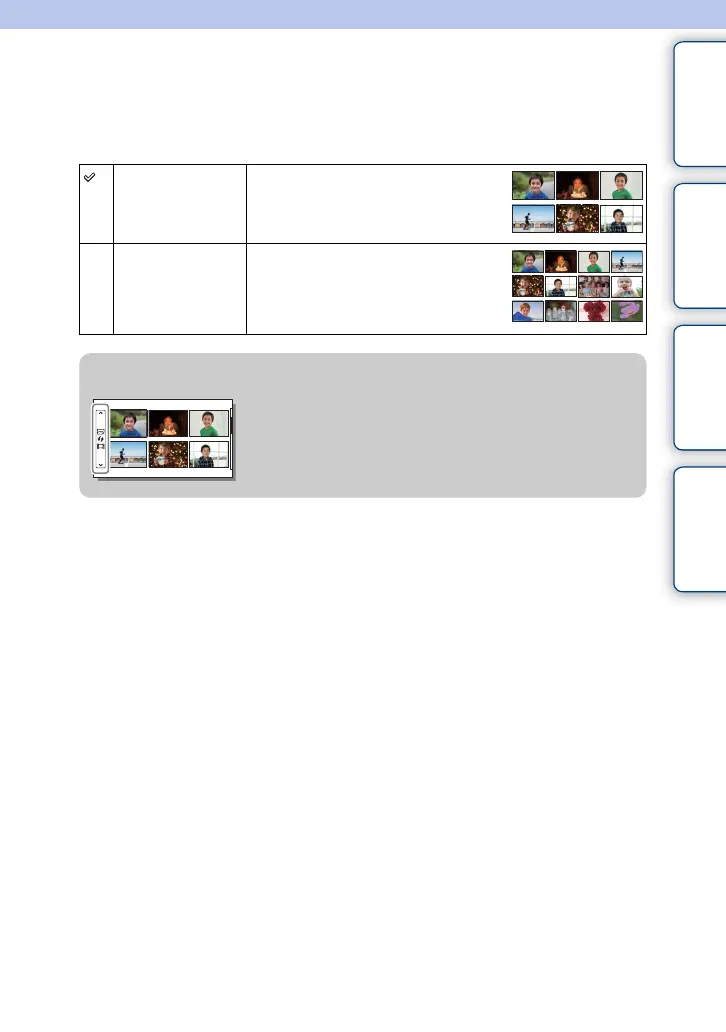
Selects the number of images to be displayed on the index.
1 MENU t [Playback] t [Image Index] t desired mode.
6 Images Displays 6 images.
12 Images Displays 12 images.
z Displaying a desired folder
To select a desired folder, select the bar to the left of the
image index screen, and then press the top/bottom parts
of the control wheel. You can switch between still image
playback and movie playback by pressing the center of
the control wheel.











 To Next Page