29
GB
Table of
contents
Sample photo Menu Index
Playing back images
Plays back the recorded images.
1 Press the (Playback) button.
2 Select the image with the control wheel.
3 To play back panoramic images or movies, press the center of the control
wheel.
* The movie is played back frame-by-frame.
• Panoramic images shot on other cameras may not be played back properly.
During movie playback Control wheel operation
Pause/resume Press the center of the control wheel.
Fast-forward Press the right, or turn the control wheel clockwise.
Fast-rewind Press the left, or turn the control wheel
counterclockwise.
Forward slow playback Turn clockwise during pause.
Reverse slow playback* Turn counterclockwise during pause.
Adjust sound volume Press the bottom, then press top/bottom.
Notes
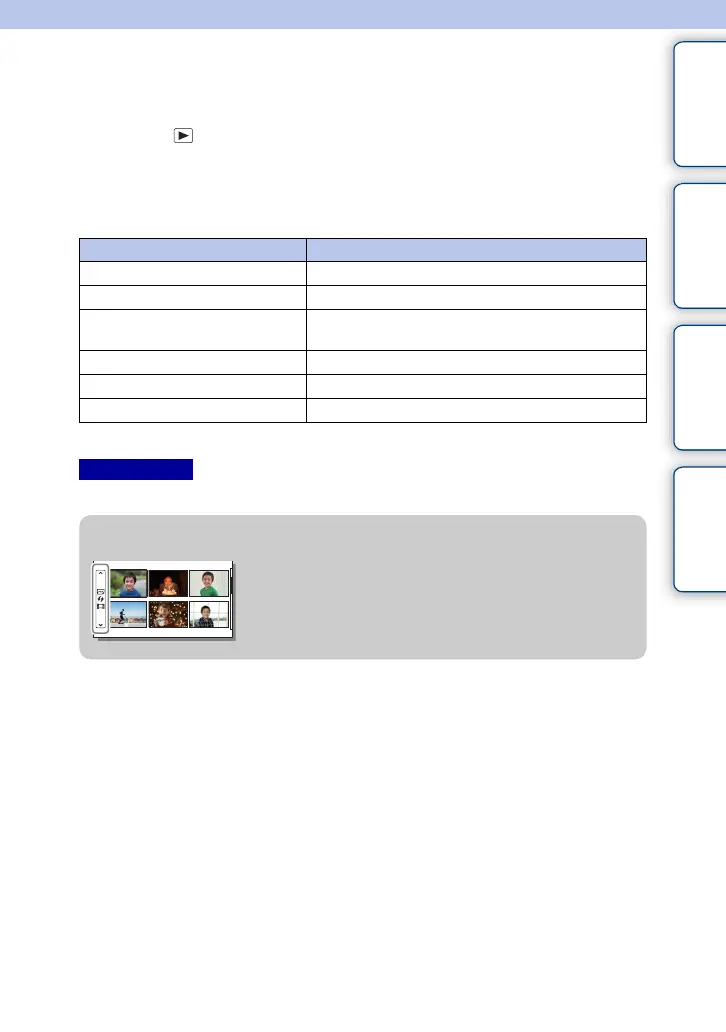
z Displaying a desired folder
To select a desired folder, select the bar on the left of the
image index screen (page 50), and then press the top/
bottom parts of the control wheel. You can switch
between still image playback and movie playback by
pressing the center of the control wheel.
Continued r











 To Next Page