153
GB
Table of
contents
Sample photo Menu Index
File Number
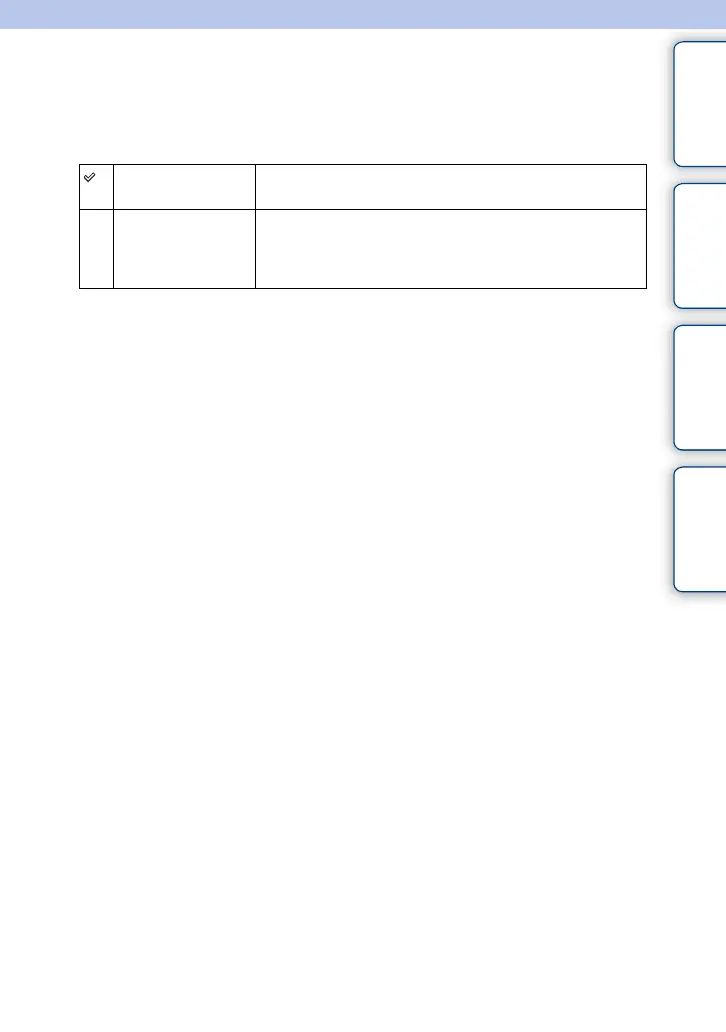
Selects the method to use to assign file numbers to still images and MP4 movies.
1 MENU t [Setup] t [File Number] t desired setting.
Series The camera does not reset numbers, and assigns numbers to files
in sequence until the number reaches “9999.”
Reset The camera resets numbers when a file is recorded in a new
folder and assigns numbers to files from “0001.” When the
recording folder contains a file, a number one higher than the
largest number is assigned.











 To Next Page