116
GB
Table of
contents
Sample photo Menu Index
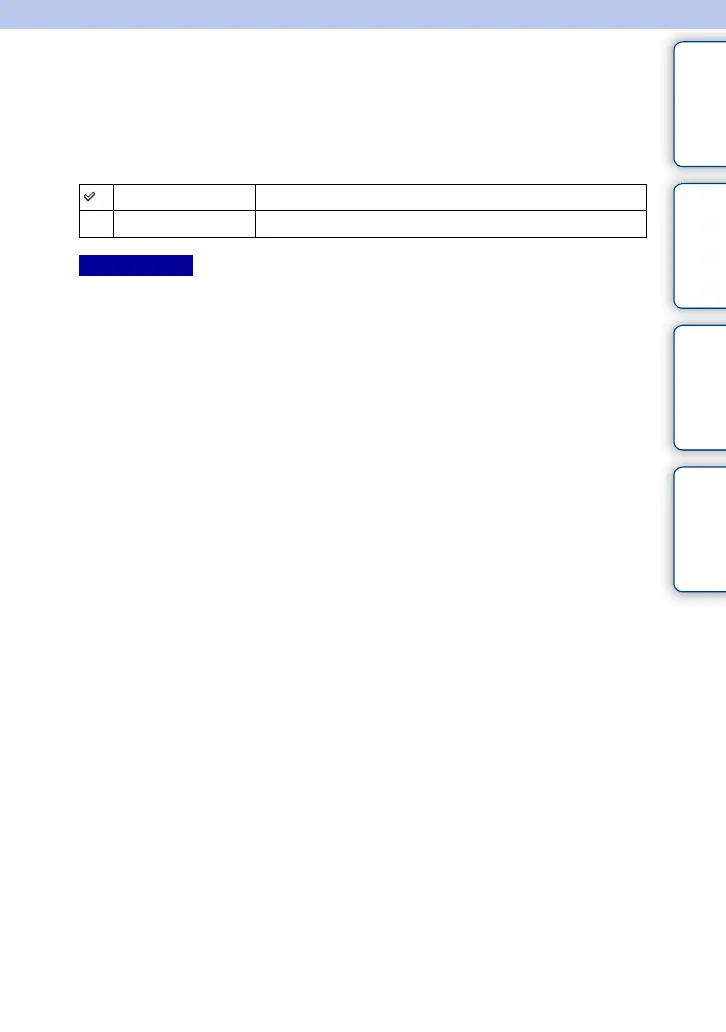
S. Auto Image Extract.
Sets whether or not to save all the images that were shot continuously in [Superior Auto]
mode.
1 MENU t [Setup] t [S. Auto Image Extract.] t desired setting.
• Even when you set [S. Auto Image Extract.] to [Off] with [Hand-held Twilight] selected from recognized
scene mode, 1 combined image is saved.
• When the [Auto Object Framing] function is activated, 2 images are saved even if you set [S. Auto Image
Extract.] to [Auto].
Auto Saves 1 appropriate image selected by the camera.
Off Saves all of the images.
Notes











 To Next Page