103
GB
Table of
contents
Sample photo Menu Index
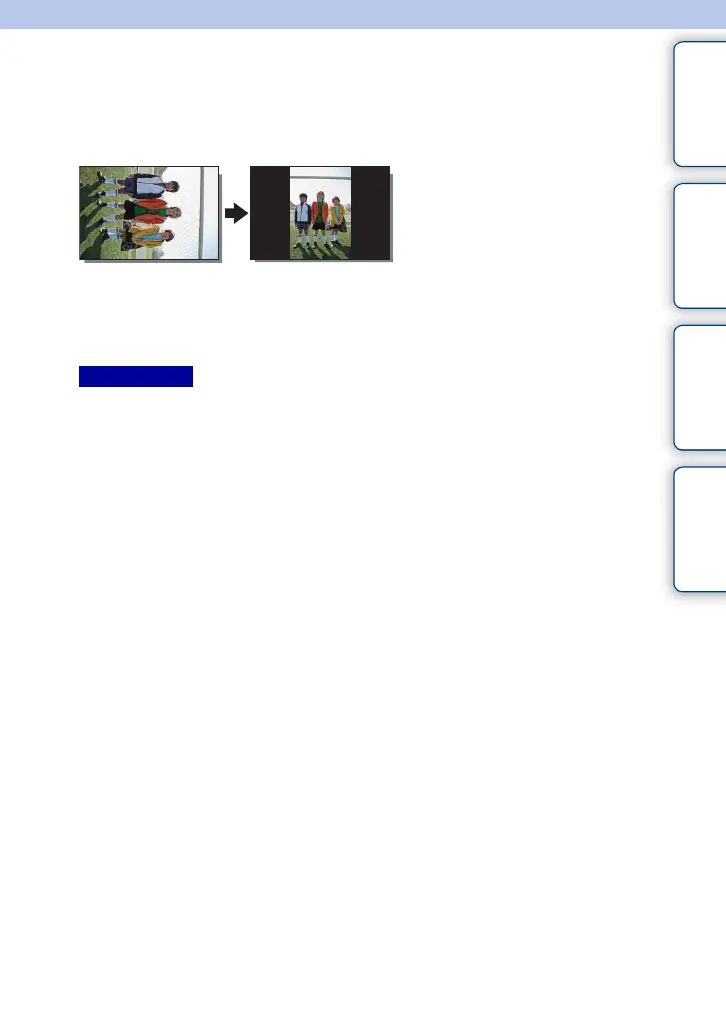
Rotate
Rotates a still image counter-clockwise. Use this to display a horizontal orientation
image in vertical orientation. Once you rotate the image, the image is played back in the
rotated position, even if you turn off the power.
1 MENU t [Playback] t [Rotate].
2 Press the center of the control wheel.
The image rotates counter-clockwise. The image rotates as you press the center.
• You cannot rotate the following files:
–Movies
– Protected images
• You may not be able to rotate images shot with other cameras.
• When viewing images on a computer, the image rotation information may not be reflected depending on
the software.
Notes











 To Next Page