133
GB
Table of
contents
Sample photo Menu Index
• [Soft key B Setting] under [Custom Key Settings] is available for the following shooting modes.
Functions that have been assigned to the soft key B and the right key are called up only in the following
shooting modes.
–[Manual Exposure]
– [Shutter Priority]
– [Aperture Priority]
– [Program Auto]
• The setting of [Soft key B Setting] cannot be used in the following situations:
– [Tracking Focus] function is activated.
– [Autofocus Area] is set to [Flexible Spot]
• You don’t have to set all [Custom 1], [Custom 2], [Custom 3], [Custom 4], [Custom 5] and [Custom 6]
items.
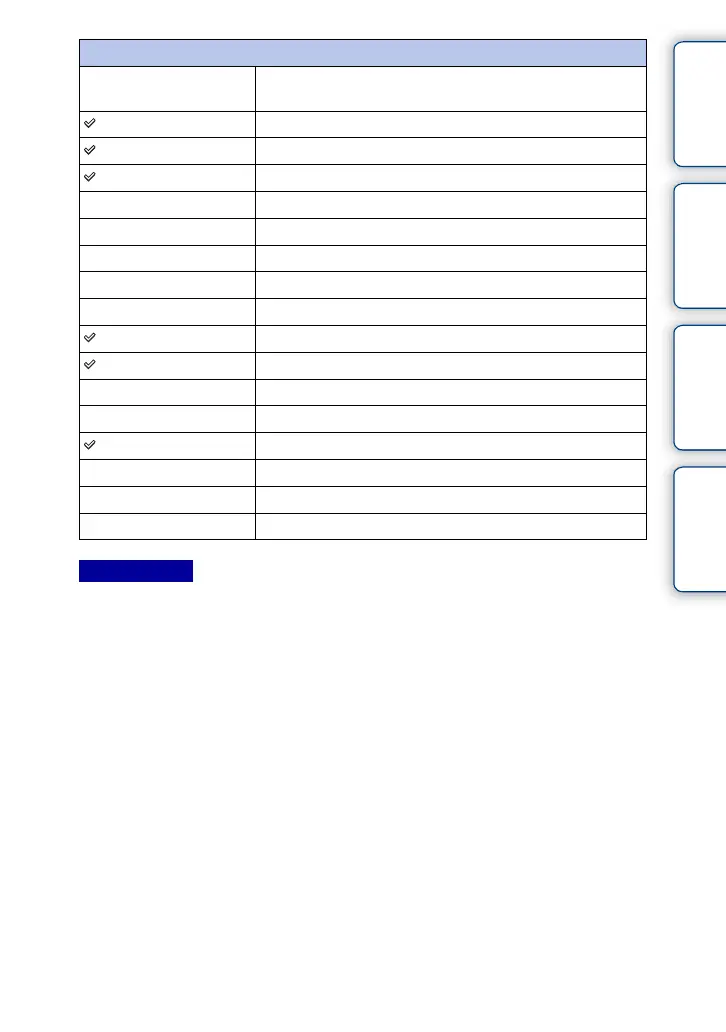
Custom 1 to 6
The default setting of each
[Custom] item
Available functions
[Custom 1] AF/MF Select
[Custom 2] Autofocus Mode
[Custom 3] Autofocus Area
Face Detection
Smile Shutter
Auto Object Framing
Soft Skin Effect
Quality
[Custom 4] ISO
[Custom 5] White Balance
Metering Mode
DRO/Auto HDR
[Custom 6] Picture Effect
Creative Style
Flash Mode
Not set
Notes











 To Next Page