Chapter 3 Operations
258
Setting Live Streaming Transmission
2
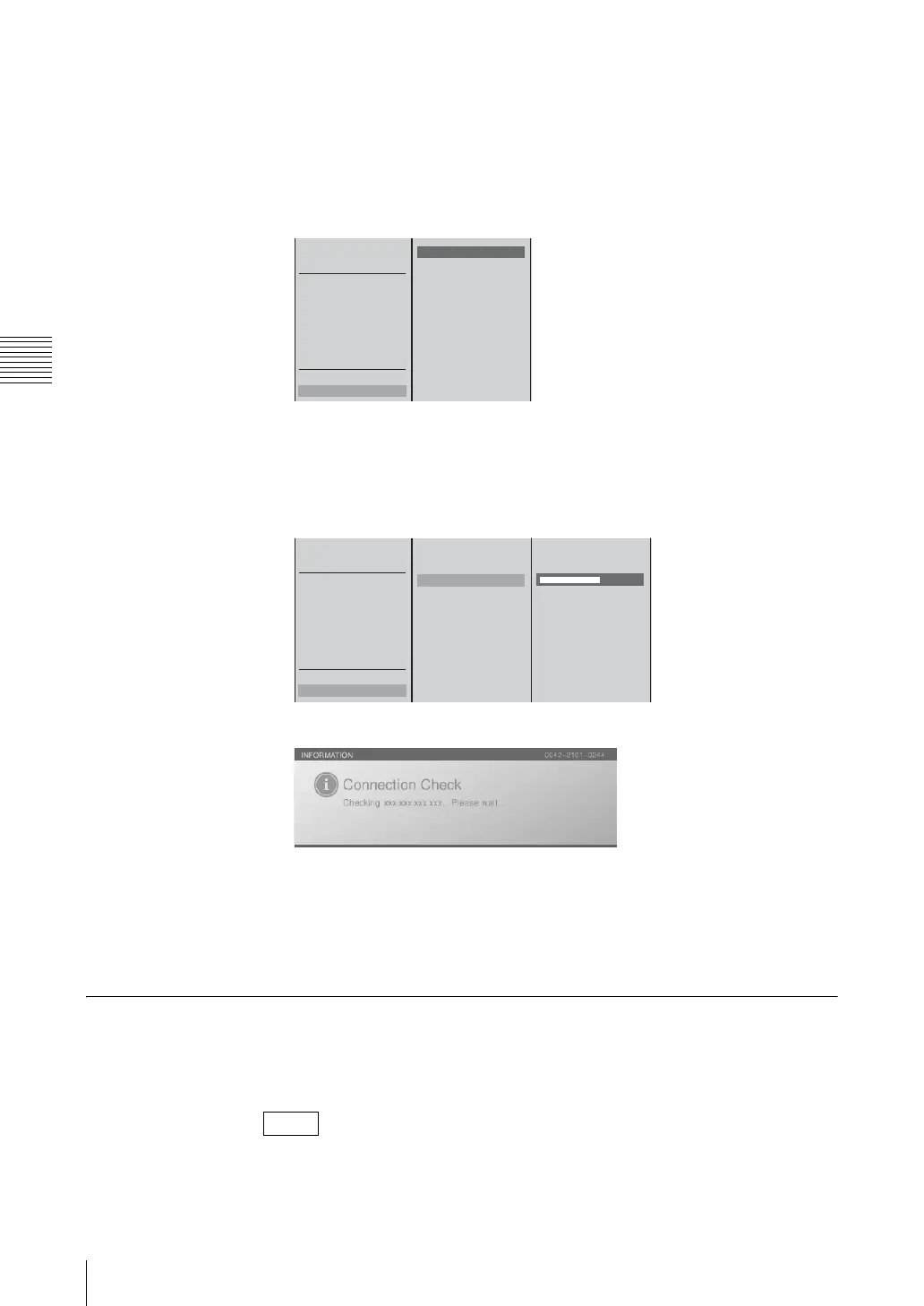
Select [Streaming] in the top menu.
3
Check the connection to each computer in the submenu.
For the default gateway or external server
1 Select [Connection Check], and confirm; 2 select the device for which
to check the connection from the list, and confirm.
For a device other than the above
1 Select [Connection Check], and confirm; 2 select [Other] and confirm;
3 enter the IP address of the device for which to check the connection in the
input box, and confirm.
The following message appears and the communication check begins.
A message notifies you whether the connection succeeded or failed.
4
Press the ENTER button.
5
Press the MENU button to close the menu.
Saving Live Streaming Transmissions as Files for VOD
You can save live streaming transmissions onto the unit’s internal hard disk as
files for VOD.
You can confirm the list of saved files under [Rename] of [File Manager] or
[Export VOD File].
Note
START
STOP
Output Live/VOD
Stream Name
Size 320x240
Bit Rate 384k DSL
Clip Information
Server Setting
VOD File Setting
VOD File Distribution On
Connection Check
External Server
Default Gateway
Other
12
START
STOP
Output Live/VOD
Stream Name
Size 320x240
Bit Rate 384k DSL
Clip Information
Server Setting
VOD File Setting
VOD File Distribution On
Connection Check
External Server
Default Gateway
Other
XXX.XXX.XXX.XXX
12 3



 To Next Page