52
~
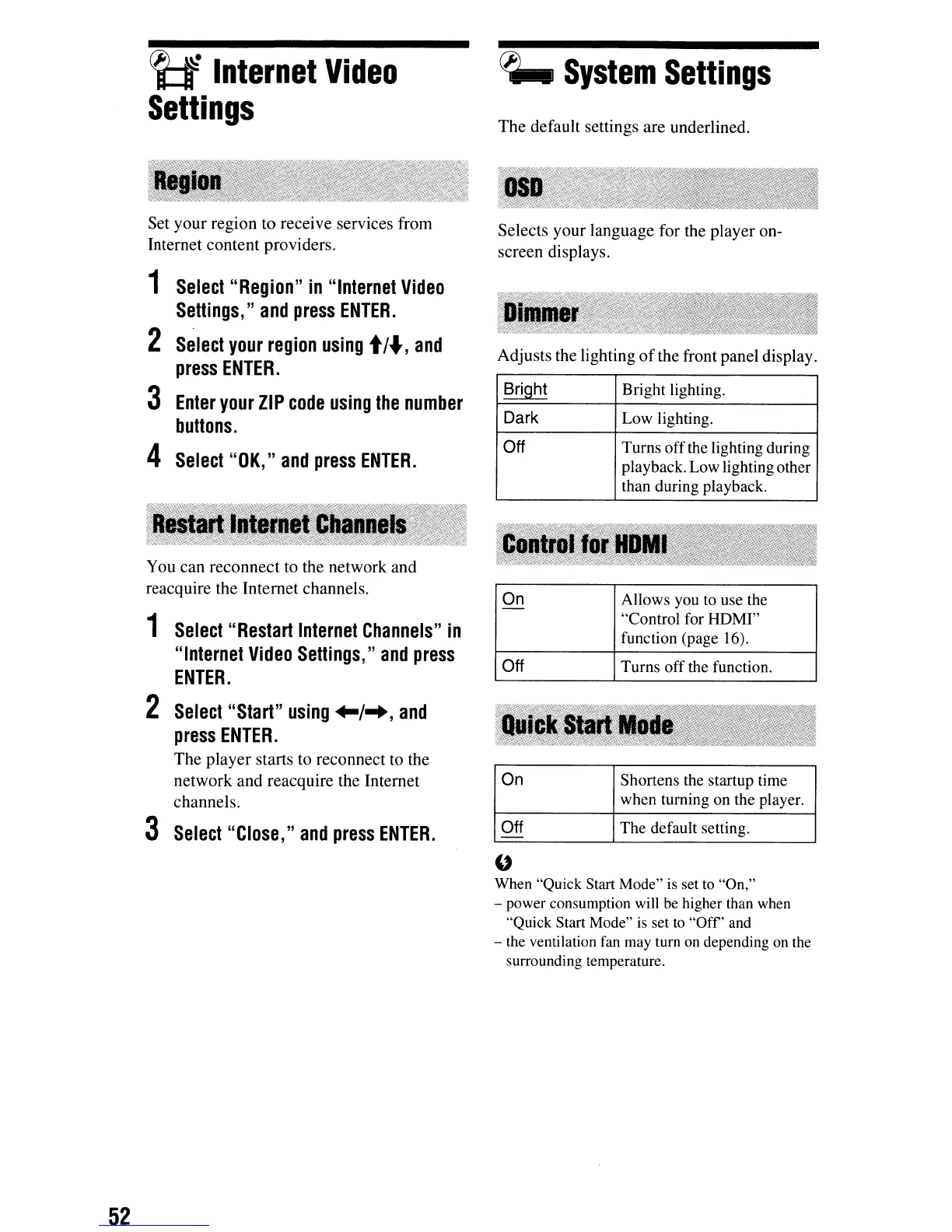
Internet
Video
Settings
Set
your
region
to
receive services from
Internet
content
providers.
1
Select
"Region"
in
"Internet
Video
Settings,"
and
press
ENTER.
2
Select
your
region
using
t/.,
and
press
ENTER.
3
Enter
your
ZIP
code
using
the
number
buttons.
4
Select
"OK,"
and
press
ENTER.
You
can
reconnect
to the network and
reacquire the Internet channels.
1
Select
"Restart
Internet
Channels"
in
"Internet
Video
Settings,"
and
press
ENTER.
2
Select
"Start"
using
+-1-+,
and
press
ENTER.
The
player
starts to reconnect to the
network and reacquire the Internet
channels.
3
Select
"Close,"
and
press
ENTER.
~
System
Settings
The
default settings are underlined.
Selects
your
language for the player on-
screen displays.
Adjusts the lighting
of
the front panel display.
Bright Bright lighting.
Dark Low lighting.
Off Turns off the lighting during
playback. Low lighting other
than during playback.
On Allows you
to
use the
-
"Control for HOMI"
function (page 16).
Off Turns off the function.
On Shortens the startup time
when turning on the player.
Off The default setting.
"
When "Quick Start Mode" is set to "On,"
- power consumption will be higher than when
"Quick Start Mode"
is
set to
"Off'
and
- the ventilation
fan
may tum on depending
on
the
surrounding temperature.



 To Next Page