(4AE824 ">34 "4=D
4FSWJDF.PEF.FOV
<>%JBH
<>-PH
<>’BDUPSZ*OJUJBMJ[F
<>/FUXPSL
<>7FSTJPO6Q
<>4ZTUFN*OGPSNBUJP O
<>&.$5FTU.PEF
<>%SJWF
< > )%%NPEF
)&-1<%08/><&/5></6.>
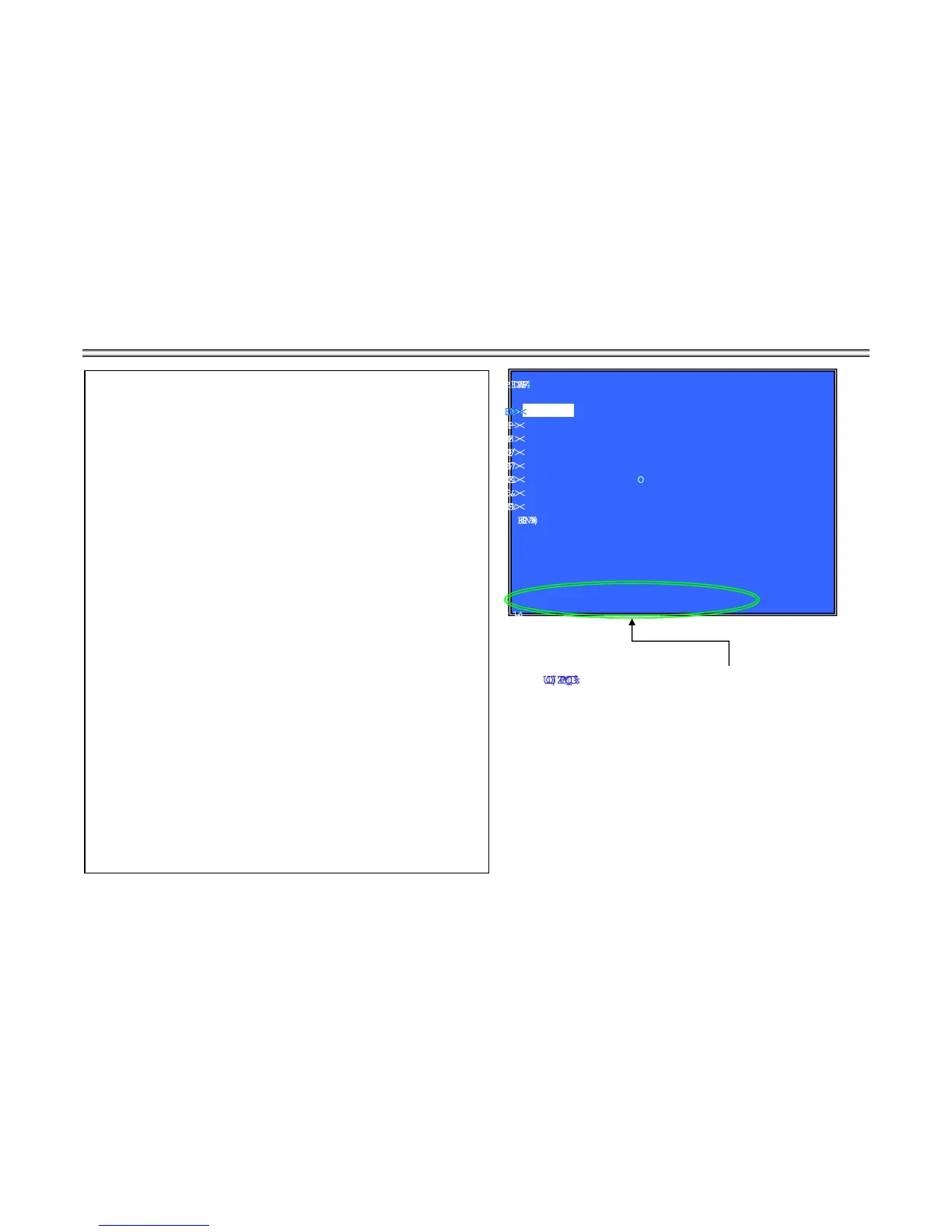
Service Mode Top Menu
It selects to each function from here.
output HDMI/Component 480p forcibly.
Operation
[1] Select and Activate Diag Menu.
[2] Select and Activate Log Menu,
[3] Select and Activate Factory Initialize Menu.,
[4] Select and Activate Network Menu
[5] Select and Activate Version Up
¢
DISC version Up
£
Menu,
[6] Select and Activate System Information Menu.
[7] Select and Activate EMC Test Mode Menu.
(not Used)
[8] Select and Activate Drive Menu.
[9] Select and Activate HDD mode.
(not Used)
[UP] Move Up cursor
[DOWN] Move Down cursor
[ENT] Activate the selected cursor.
*The cursor is not displayed when initial.
Front Panel Display
If cursor or arbitrary menu keys are operated,
the character will output to a front panel display, respectively.
*the character string.
initial display SERVICE
Diag
S-DIAG
Log
S-LOG
TINIF-S:ezilaitinIyrotcaF
TEN-S:krowteN
PUV-SpU noisreV
System Information: S-INFO
CME-S:edoM tseT CME
VRD-S:evirD
DDH-S:edom DDH
%JTQMBZ)JOU
The key in which the present use is possible


 To Next Page