27
GB
Getting Started
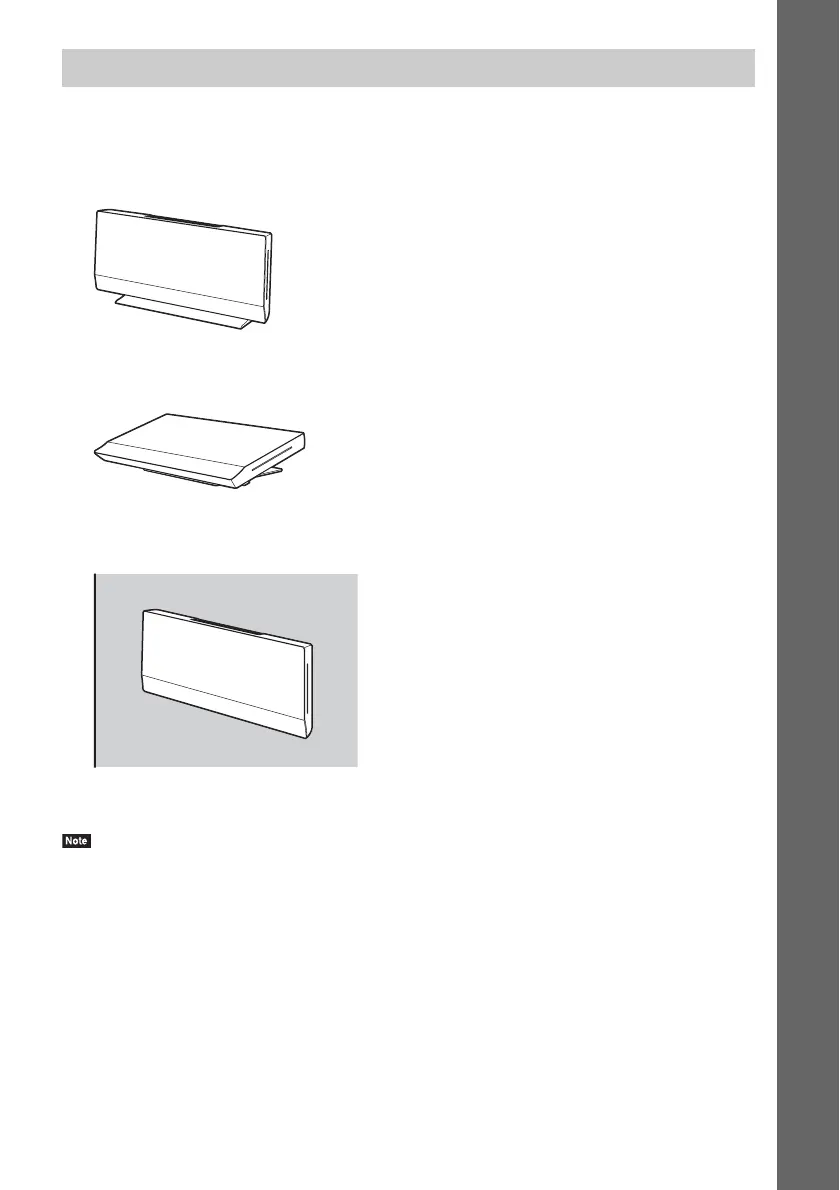
You can select from one of three positions for installing the main unit: in a vertical position, in a
horizontal position, or on a wall.
To install the main unit in a vertical position
See “Attaching the covers” (page 28).
To install the main unit in a horizontal position
Refer to the supplied “Main Unit Installation Guide.”
To install the main unit on a wall
Refer to the supplied “Main Unit Installation Guide.”
Contact an installer to install the main unit on a wall.
• To install the main unit on a wall, you need the wall mounting brackets A and B. These are not supplied with BDV-
L600, so purchase the brackets (WS-L100) if necessary.
Selecting the installation position of the main unit



 To Next Page