M
Melissa BrownSep 13, 2025
What to do if I forgot the restricted profile password on Sony TV?
- RRenee OliverSep 13, 2025
To reset a forgotten restricted profile password on your Sony TV, perform a force factory data reset.


 To Next PageTo Next Page
What to do if I forgot the restricted profile password on Sony TV?
To reset a forgotten restricted profile password on your Sony TV, perform a force factory data reset.
 General
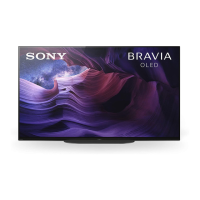
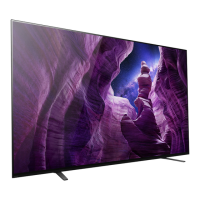
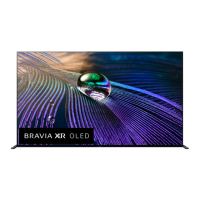
| Screen Size | 55 inches |
|---|---|
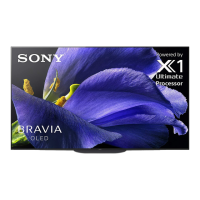
| Display Type | OLED |
| HDR Support | HDR10, HLG, Dolby Vision |
| Refresh Rate | 120 Hz |
| Smart TV | Yes |
| HDMI Ports | 4 |
| USB Ports | 3 |
| Processor | X1 Ultimate |
| Operating System | Android TV |
| Wi-Fi | Yes |
| Bluetooth | Yes |
| Resolution | 3840 x 2160 (4K) |
| Audio Output | Acoustic Surface Audio |
| Smart Features | Google Assistant, Chromecast built-in |
| Audio Output (Watts) | 30 Watts |
Covers safety, remote control, troubleshooting, wall-mount, and specifications.
Measures to prevent the TV from falling and causing injury or damage.
Recommended methods for securing the TV to a stand and wall.
Details on preventing screen damage, including image retention and panel refresh.
Instructions for resetting the TV to its original factory settings.
Explains the process for resolving disputes through arbitration.
Details arbitration steps and how to opt out.
Key safety precautions for using the apparatus.
Requirements for ventilation, wall mounting, and preventing toppling.
Safety for wall-mount installation and AC power cord use.
Specific care instructions for LCD and OLED screens.
Warnings against self-servicing and post-repair safety checks.