Troubleshooting Guide (mech)
1273-2281 Rev2
Sony Mobile Communications AB –
41(48)
Problem Areas
Action:
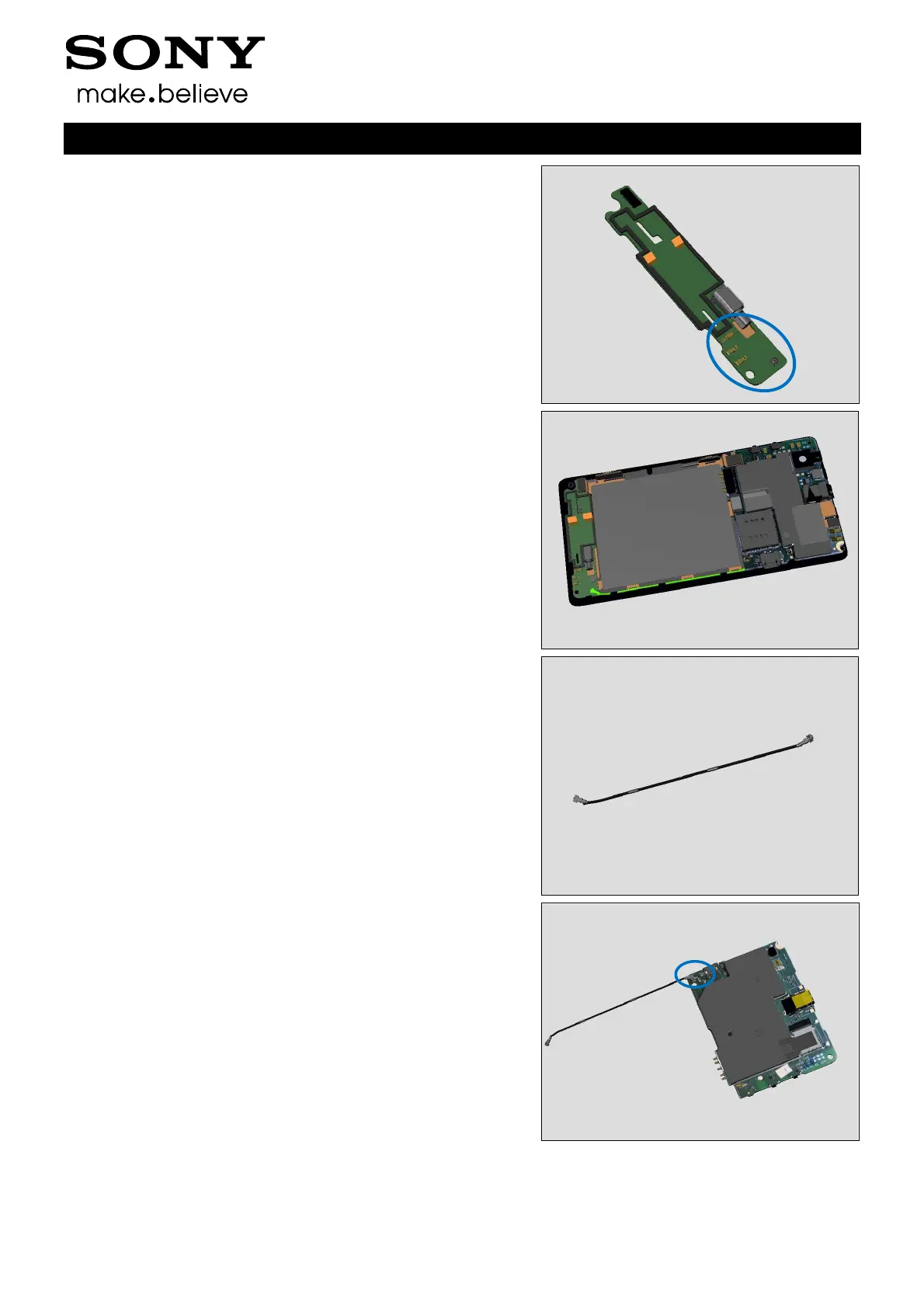
1. If the pins or the connector on the Sub PBA Assembly is
damaged – replace the Sub PBA Assembly.
Check:
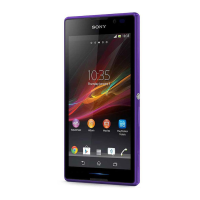
Inspect the RF Cable between Sub PBA Assembly and Main
PBA.
Action:
1. If not properly connected – disconnect and reconnect.
2. If damaged, replace the RF Cable.
Check:
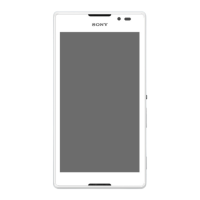
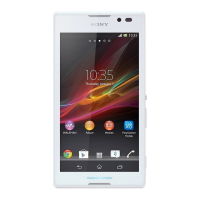
Inspect the connector on Main PBA.
Action:
1. If not properly connected – disconnect and reconnect.
2. If damaged, Replace Main PBA.



 To Next Page