Troubleshooting Guide (mech)
1273-2281 Rev2
Sony Mobile Communications AB –
43(48)
Problem Areas
1.28.2 Incorrect SIM-Card adapter
Check:
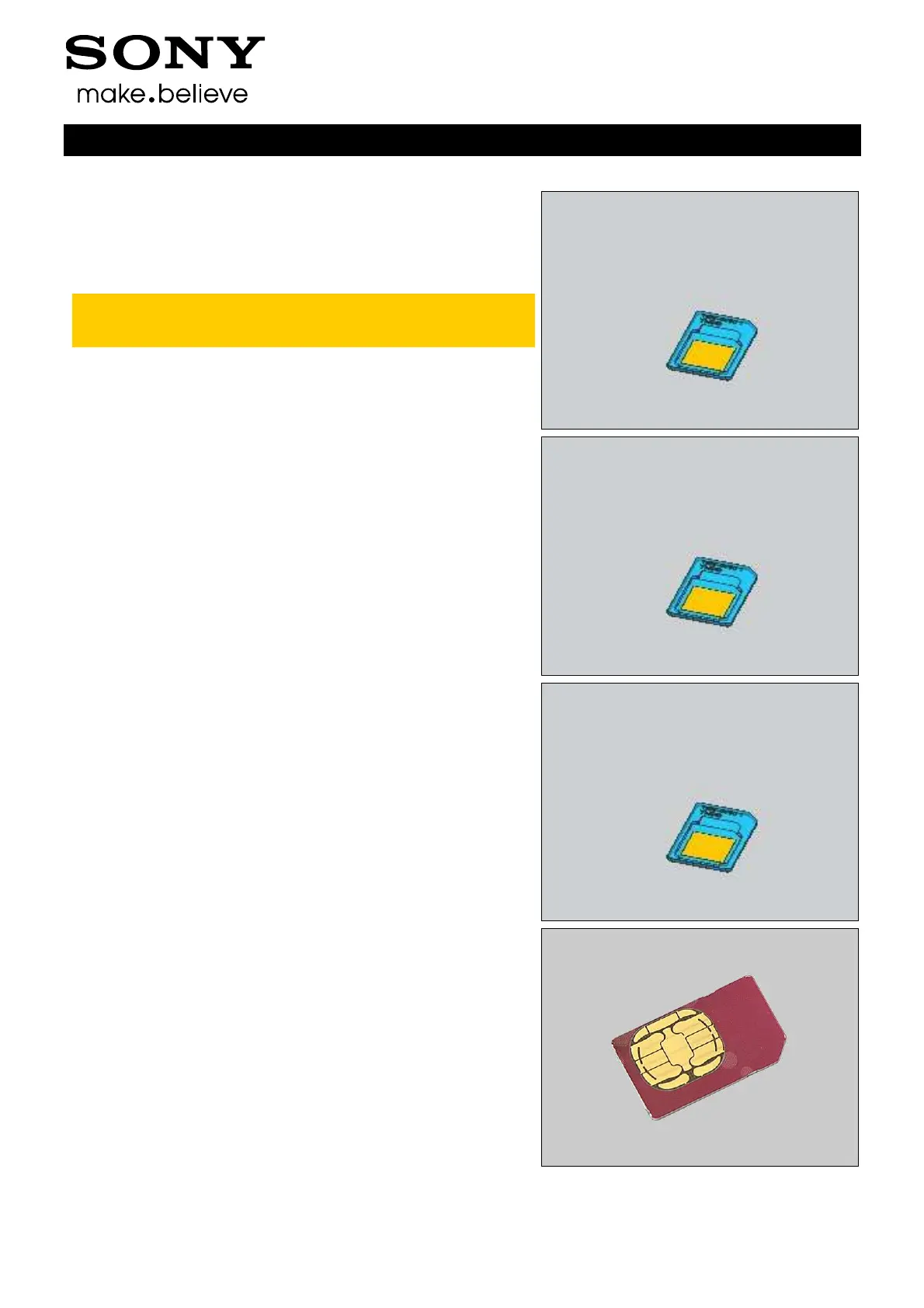
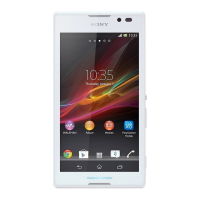
Check the SIM-Card adapter is from THIS or not if the Micro
SIM card is used.
Note: Only micro-SIM adapter (1257-9796) can be used in this
Phone. Other supplier’s SIM-Card adapter or incompatible
SIM-Card adapter will damage the SIM Card connector!
Action:
1. Use a proper this micro-SIM adapter (1257-9796).
2. If SIM Card connector is damaged, deal with it according to local
directive.
Check:
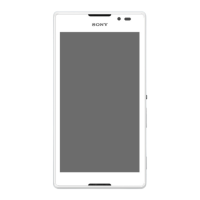
Check whether the SIM-Card adapter is used correctly.
Action:
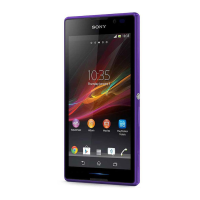
1. Peel off the protection tape from SIM-Card adapter.
2. Assemble the Micro SIM card onto SIM-Card adapter.
3. Replace Main PBA.
1.28.3 Incorrect SIM indicated
Check:
Check whether the phone is locked to a particular operator
and whether the correct operator SIM is being used.
Action:
1. Use a proper operator SIM or test SIM.
2. Replace Main PBA.



 To Next Page