7
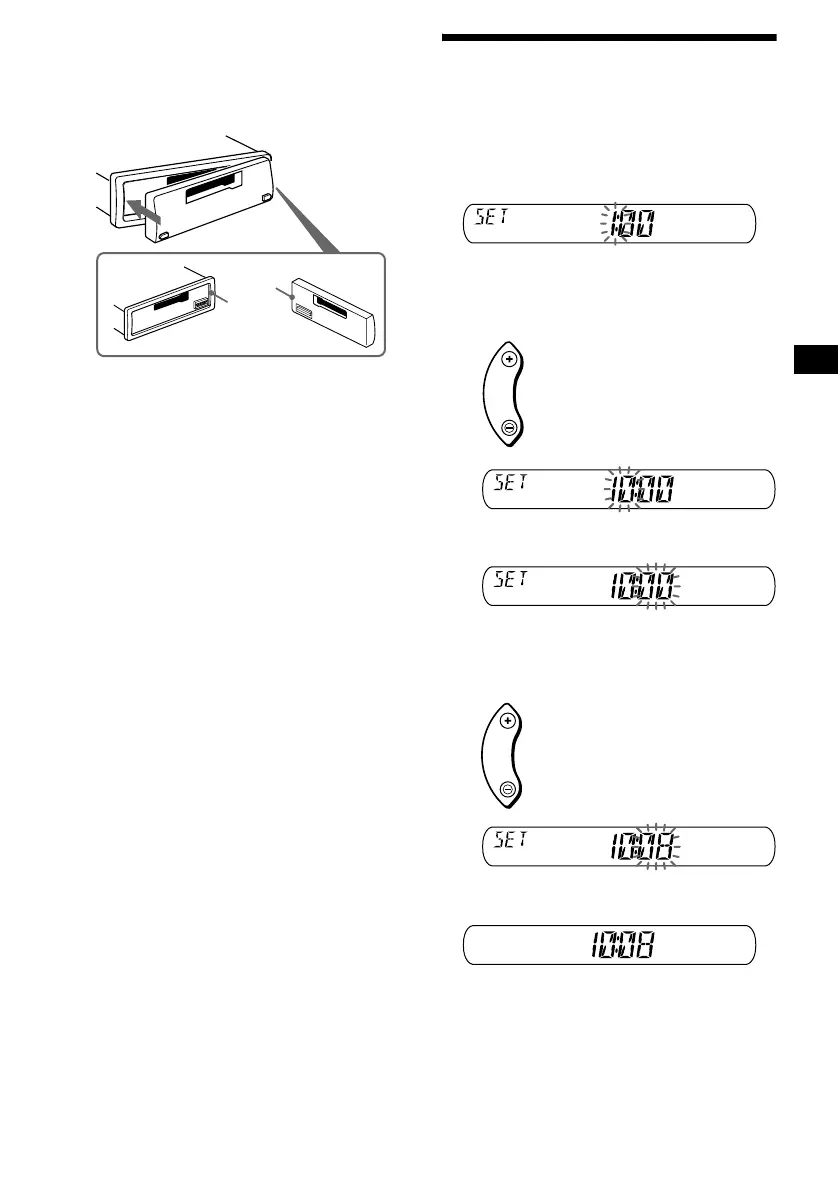
Attaching the front panel
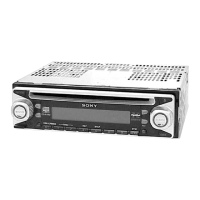
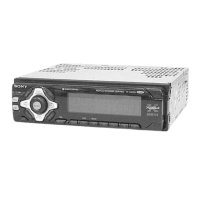
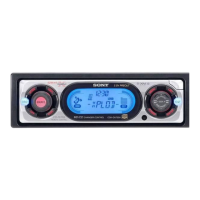
Attach part A of the front panel to part B of the
unit as illustrated and push the left side into
position until it clicks.
Notes
• Be sure not to attach the front panel upside down.
• Do not press the front panel too hard against the unit
when attaching it.
• Do not press too hard or put excessive pressure on
the display window of the front panel.
• Do not expose the front panel to direct sunlight or
heat sources such as hot air ducts, and do not leave
it in a humid place. Never leave it on the dashboard
of a car parked in direct sunlight or where there may
be a considerable rise in temperature.
Setting the clock
The clock uses a 24-hour digital indication.
Example: To set the clock to 10:08
1 Press ( D SPL) for two seconds.
The hour indication flashes.
1 Press either side of (VOL) to set the
hour.
2 Press (SEL).
The minute indication flashes.
3 Press either side of (VOL) to set the
minute.
2 Press ( D SPL).
The clock starts.
After the clock setting is completed, the
display returns to normal play mode.
Tip
You can set the clock automatically with the RDS
feature (page 14).
A
B
VOL
to go forward
to go back
VOL
to go forward
to go back



 To Next Page