II I
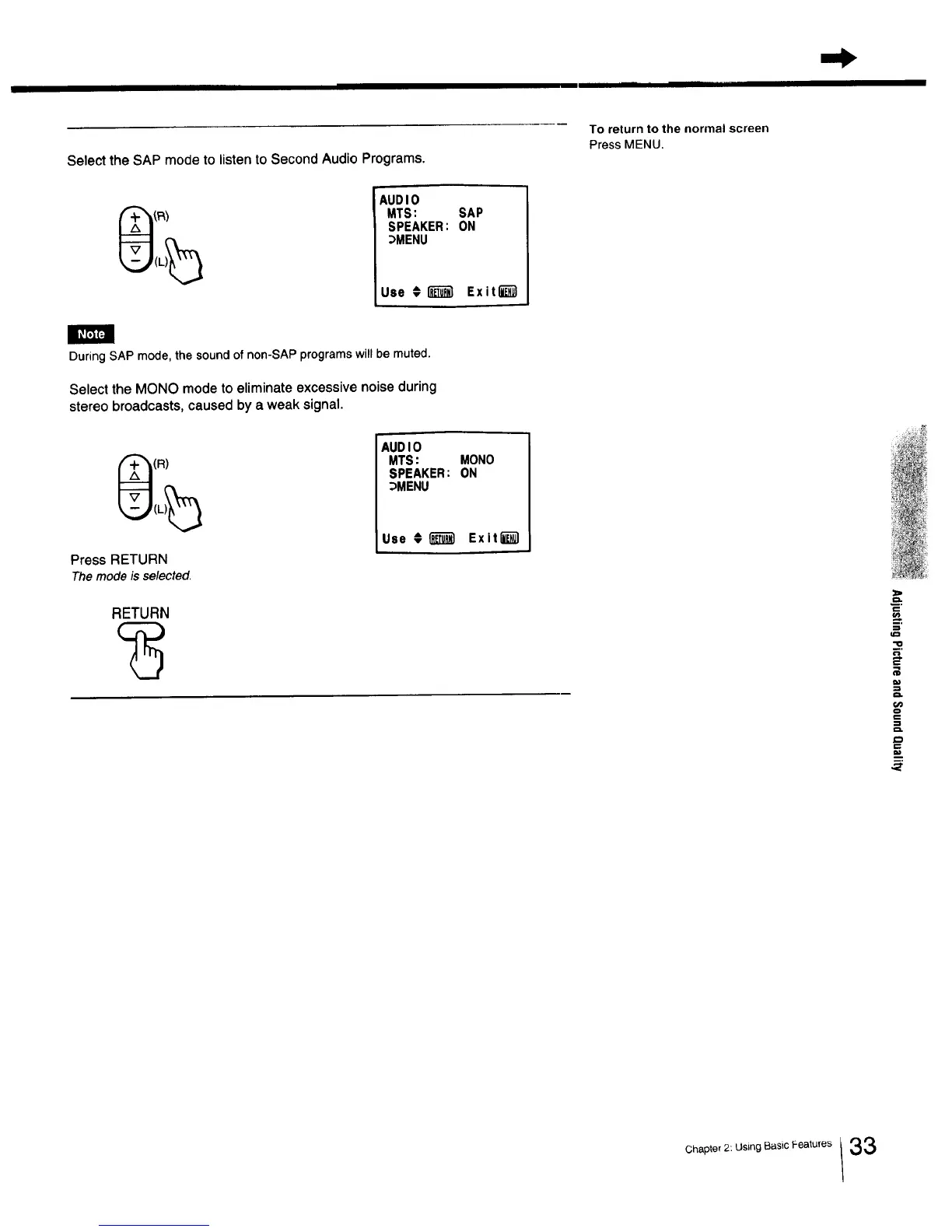
Select the SAP mode to listen to Second Audio Programs.
To return to the normal screen
Press MENU.
AUDIO
MTS: SAP
SPEAKER: ON
_MENU
Use €I_ Exit_
h,
During SAP mode,the soundof non-SAP programswill be muted.
Select the MONO mode to eliminate excessive noise during
stereo broadcasts, caused by a weak signal.
(R)
Press RETURN
The mode is selected.
RETURN
AUDIO
MTS: MONO
SPEAKER: ON
_MENU
Use €1_'_ Exitl_l
m
o.op,o,2 us,ogB..,c ea,u.e.33



 To Next Page