43
Advanced operations
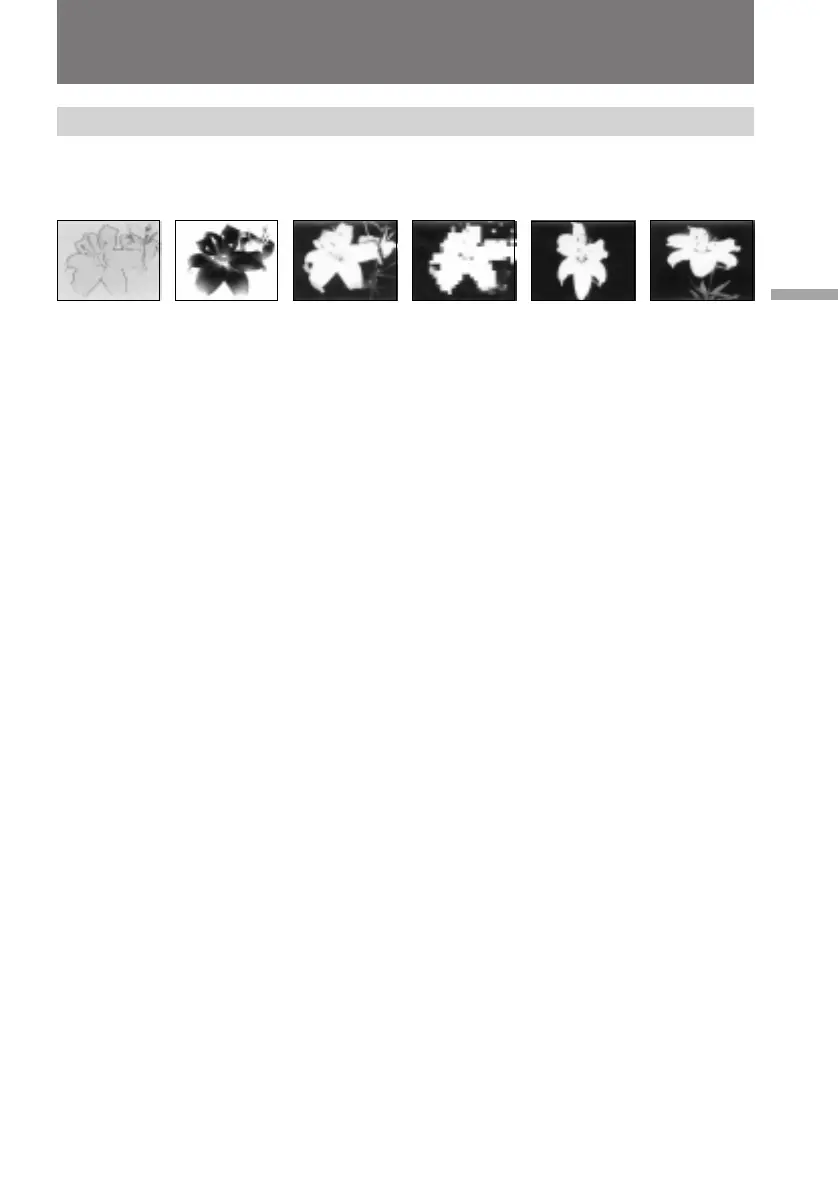
[a] [b] [c] [d] [e] [f]
Enjoying picture effect
Selecting picture effect
You can make pictures like those of television with the Picture Effect function.
PASTEL [a]
The contrast of the picture is emphasized, and the picture looks like an animated
cartoon.
NEG. ART [b]
The color and brightness of the picture is reversed.
SEPIA
The picture is sepia.
B&W
The picture is monochrome (black and white).
SOLARIZE [c]
The light intensity is more clear, and the picture looks like an illustration.
MOSAIC [d]
The picture is mosaic.
SLIM [e]
The picture expands vertically.
STRETCH [f]
The picture expands horizontally.



 To Next Page
 Loading...










