
 Need help?
Do you have a question about the Sony CCD-TRV95 Operating Instructions (primary manual) and is the answer not in the manual?
Learn how to navigate and utilize this instruction manual effectively for optimal camcorder operation.
Verify all included accessories are present to ensure proper setup and functionality of your camcorder.
Step-by-step guide for inserting and charging the camcorder's battery pack prior to first use.
Instructions on how to properly load a video cassette into the camcorder for recording or playback.
Essential steps for capturing video footage using the camcorder's core recording features.
Learn how to view your recorded video content on the camcorder's screen or an external TV.
Explore various options for powering your camcorder, including AC adapters and battery packs.
Customize camcorder functions by adjusting various operational modes through the menu system.
Master manual focus control for achieving sharp image quality in diverse shooting scenarios.
Connect your camcorder to a TV or VCR to playback footage on a larger display.
Essential care instructions and safety guidelines to ensure the longevity and proper functioning of your camcorder.
Find solutions for frequent problems and error messages encountered during camcorder use.
A visual guide to all the buttons, controls, and connectors on the camcorder and its remote.






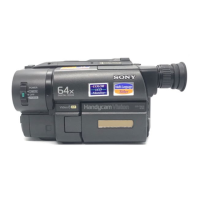

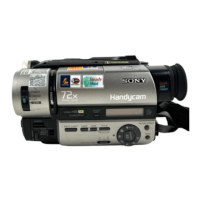
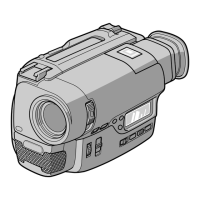
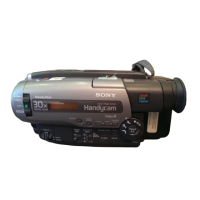



 To Next Page
 General