55
Advanced operations
1
2
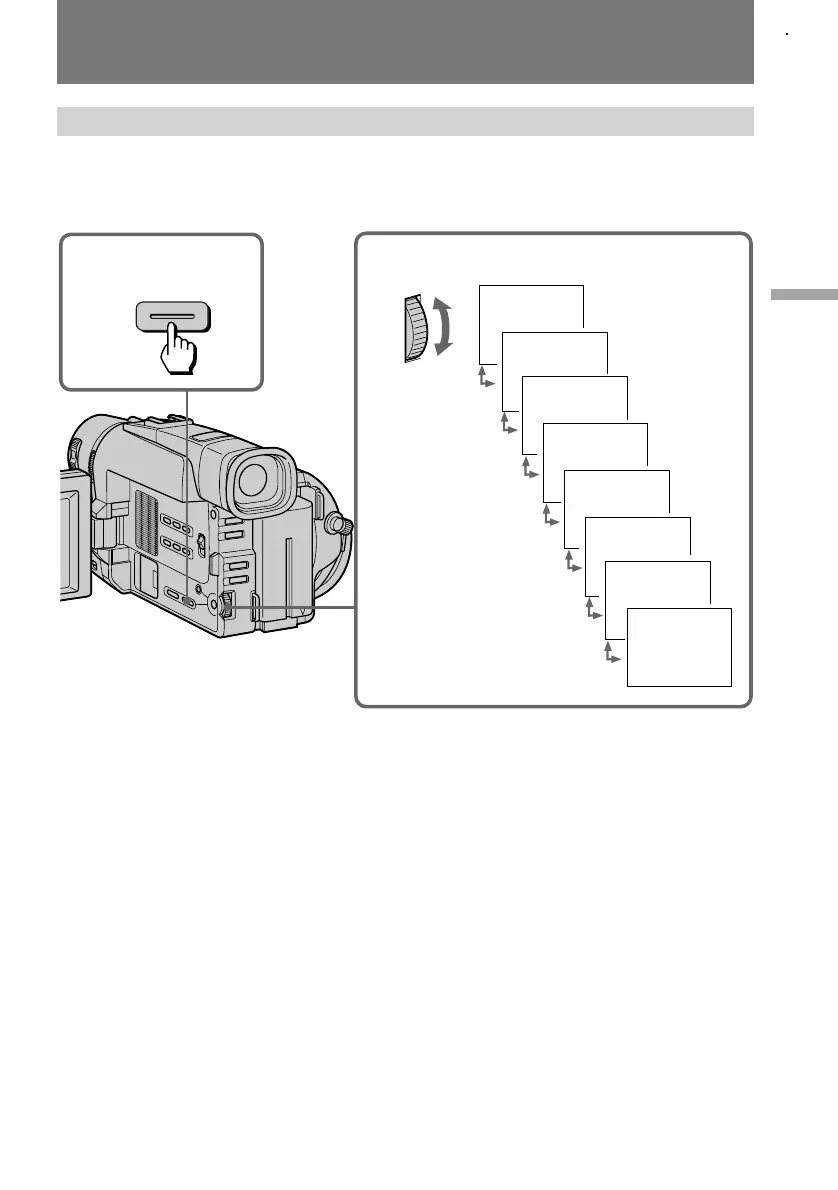
PASTEL
NEG. ART
SEPIA
B & W
SOLARIZE
MOSAIC
SLIM
STRETCH
PICTURE
EFFECT
Using picture effect function
(1) Press PICTURE EFFECT.
(2) Turn the control dial to select the desired picture effect mode.
Enjoying picture effect
To turn off picture effect
Press PICTURE EFFECT. The indicator in the viewfinder or on the LCD screen goes out.
Notes on the picture effect
•When you turn the power off, the camcorder returns automatically to normal mode.
•While using the picture effect function, you cannot select the old movie function with
DIGITAL EFFECT (CCD-TRV99 only).



 To Next Page
 Loading...