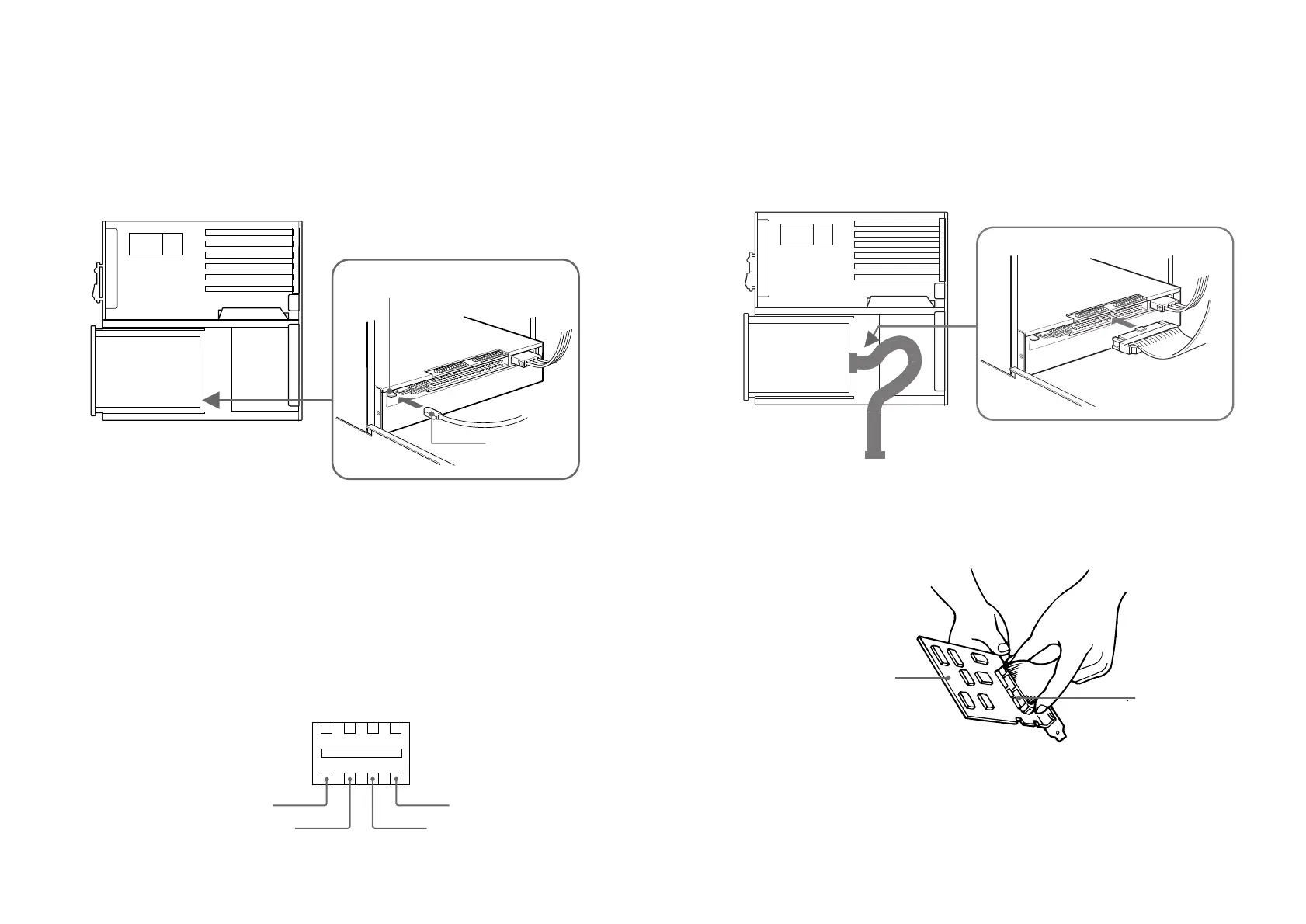
■ Interface connector
1 Insert one end of the interface cable into the interface connector firmly.
2 Attach the other end of the cable to the host adapter.
Installing the Drive Unit into the Computer 17
■ Frame ground
When normally installed, the drive unit is not in contact with the host
computer directly and should be grounded. Connect the frame ground tab
to one of the host computer’s ground cables.
The frame ground cable recommended has a AMP 1-480435-0 housing and
170203-2 or 60711-1 contacts.
■ Audio output connector
The audio output connector recommended is Molex 5159PBT contacts and
5051-04 housing or 5103 PBT contacts and 5102-04 housing.
Pin assignment
16 Installing the Drive Unit into the Computer



 To Next Page