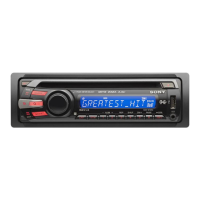
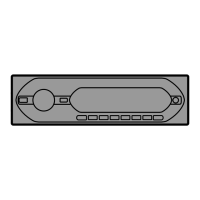
Before operating the unit for the first time,
or
after replacing the car battery
or
changing the
connections, you must reset the unit.
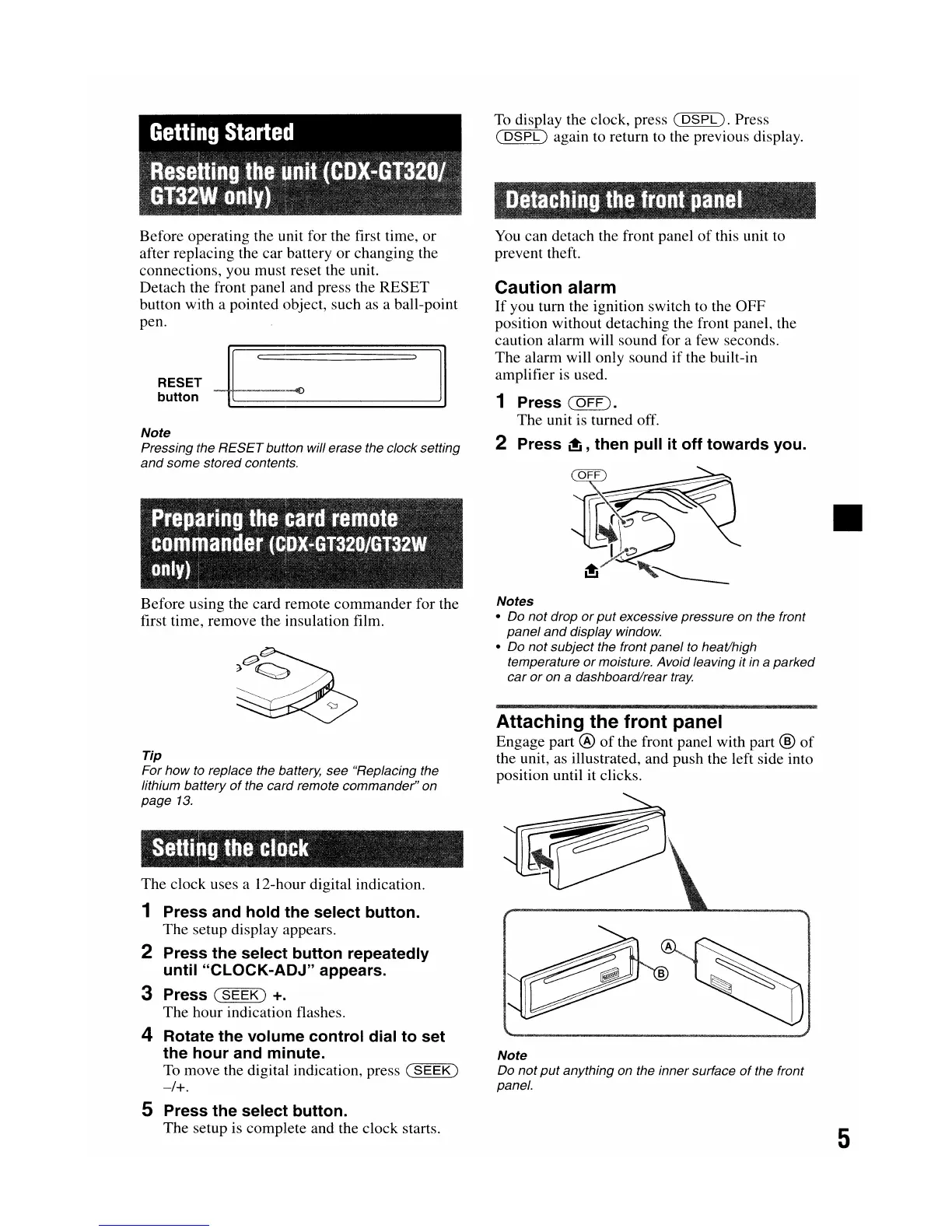
Detach the front panel and press the
RESET
button with a pointed object, such as a ball-point
pen.
Note
Pressing the
RESET
button will erase the clock setting
and
sam€' stored contents.
Before using the card remote commander for the
first time, remove the insulation film.
Tip
For
how
to replace the battery, see "Replacing the
lithium battery
of
the card remote commander" on
page
13.
The clock uses a 12-hour digital indication.
1 Press and hold
'the
select button.
The setup display appears.
2 Press the select button repeatedly
until "CLOCK-ADJ" appears.
3 Press
(SEEK)
+.
The hour indication flashes.
4 Rotate the volurne control dial to set
the hour and minute.
To
move the digital indication, press
(SEEK)
-/+.
5 Press the select button.
The setup is compllete and the clock starts.
To
display the clock, press
(DSPL).
Press
(
DSPL)
again to return to the previous display.
You can detach the front panel
of
this unit to
prevent theft.
Caution alarm
If
you turn the ignition switch to the
OFF
position without detaching the front panel, the
caution alarm will sound for a few seconds.
The alarm will only sound
if
the built-in
amplifier is used.
1 Press
(OFF
).
The unit is turned off.
2 Press
~,
then pull it off towards you.
Notes
• Do
not
drop
or
put
excessive pressure on the front
panel
and
display window.
• Do not subject the front panel to heat/high
temperature
or
moisture. Avoid leaving it in a parked
car
or
on a dashboard/rear
tray.
Attaching the front panel
Engage part ®
of
the front panel with part ®
of
the unit, as illustrated, and push the left side into
position until it clicks.
Note
Do
not
put
anything on the inner surface
of
the front
panel.
•
5


 To Next Page