•
For details on selecting a CD/MD changer, see
page
10
(CDX-GT320/GT32W only).
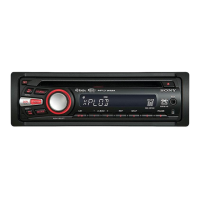
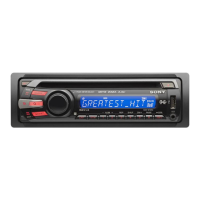
Display items
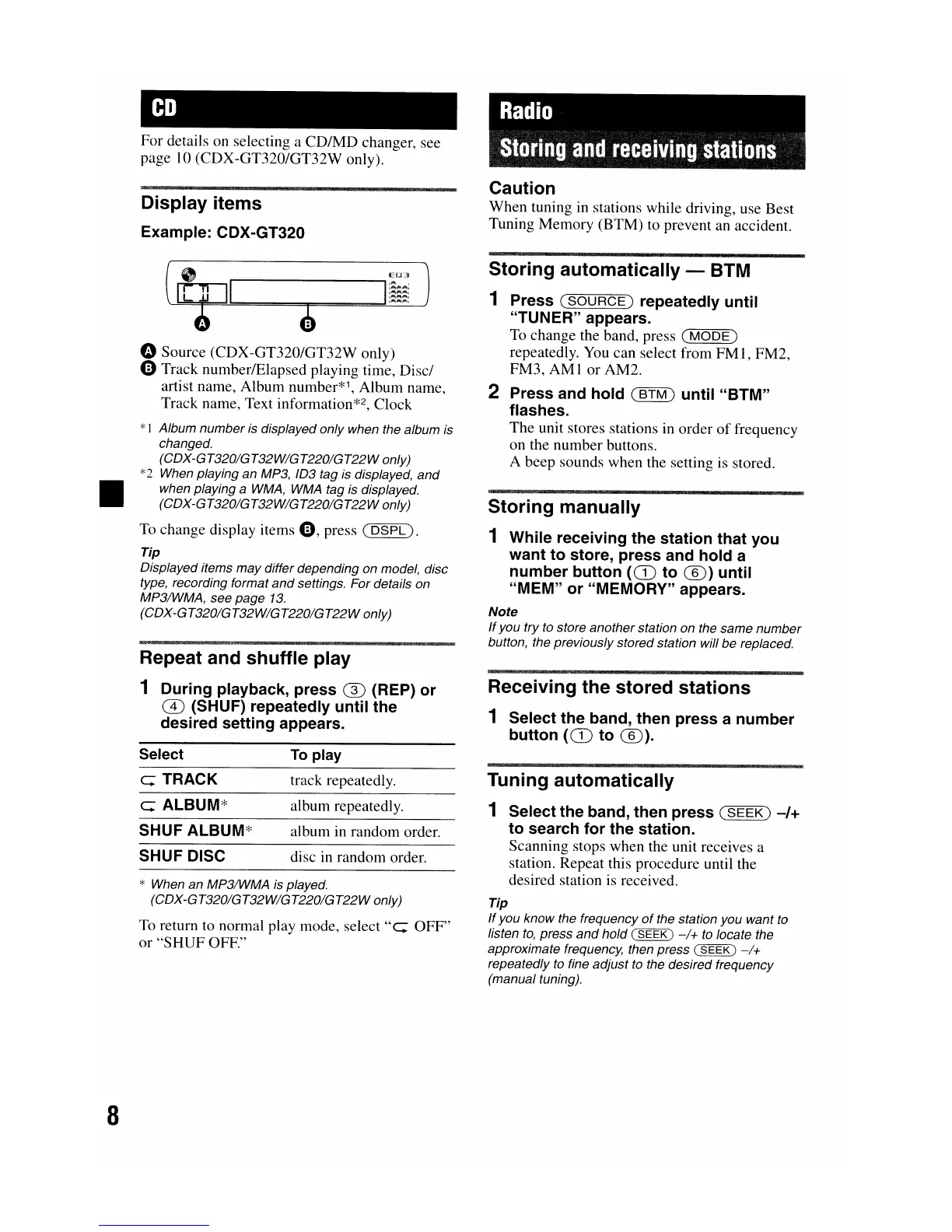
Example: CDX-GT320
o Source (CDX-GT320/GT32W only)
oTrack number/Elapsed playing time, Disc/
artist name, Album number*1, Album name,
Track name, Text information
*2,
Clock
*1 Album number is displayed only when the album is
changed.
(CDX-GT320IGT32WIGT220IGT22Wonly)
*2 When playing an MP3, 103 tag is displayed,
and
when playing a
WMA,
WMA
tag is displayed.
(CDX-GT320IGT32WIGT220IGT22Wonly)
To
change display items
0,
press
(DSPL).
Tip
Displayed items may differ depending on model, disc
type, recording format
and
settings. For details on
MP3IWMA, see page
13.
(CDX-GT320IGT32WIGT220IGT22Wonly)
Repeat and
shuffle
play
1 During playback,
press
® (REP)
or
CD
(SHUF) repeatedly
until
the
desired
setting
appears.
Radio
111I.i1l11iRa
fllali.iRIi
slaliBRs
Caution
When tuning in stations while driving, use Best
Tuning Memory (BTM) to prevent an accident.
Storing
automatically - BTM
1 Press
(SOURCE)
repeatedly
until
"TUNER" appears.
To change the band, press
(MODE)
repeatedly.
You
can select from
FMl,
FM2,
FM3,
AMI
or
AM2.
2 Press and
hold
(BTM)
until
"BTM"
flashes.
The unit stores stations in order
of
frequency
on the number buttons.
A beep sounds when the setting is stored.
Storing
manually
1 While receiving
the
station
that
you
want
to
store,
press
and
hold
a
number
button
(CD
to
®)
until
"MEM"
or
"MEMORY" appears.
Note
If
you try
to
store another station on the same number
button, the previously stored station will be replaced.
Receiving the stored
stations
1 Select
the
band, then
press
a
number
button
(CD
to
®).
* When an MP3IWMA
is
played.
(CDX-GT320IGT32WIGT220IGT22Wonly)
To return to normal play mode,
select"
c::;
OFF"
or
"SHUF
OFF."
8
Select
c:; TRACK
c:; ALBUM*
SHUF ALBUM*
SHUF DISC
To
play
track repeatedly.
album repeatedly.
album in random order.
disc in random order.
Tuning automatically
1 Select the band, then
press
(SEEK)
-/+
to
search
for
the
station.
Scanning stops when the unit receives a
station. Repeat this procedure until the
desired station is received.
Tip
If
you know the frequency
of
the station you want
to
listen
to,
press
and
hold (
SEEK)
-1+
to
locate the
approximate frequency, then press (
SEEK)
-1+
repeatedly
to
fine adjust
to
the desired frequency
(manual tuning).


 To Next Page