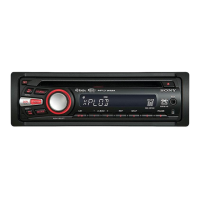
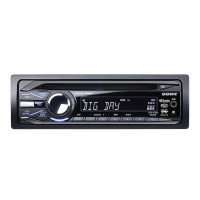
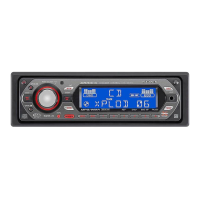
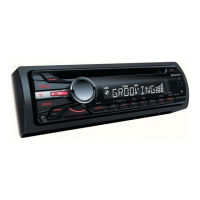
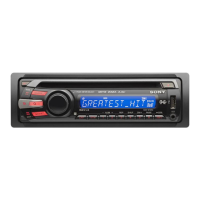
Location
of
controls
and
basic
operations
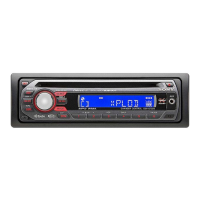
Main unit
SHUF
6
Card remote commander
RM-X151
(CDX-GT320/GT32W only)
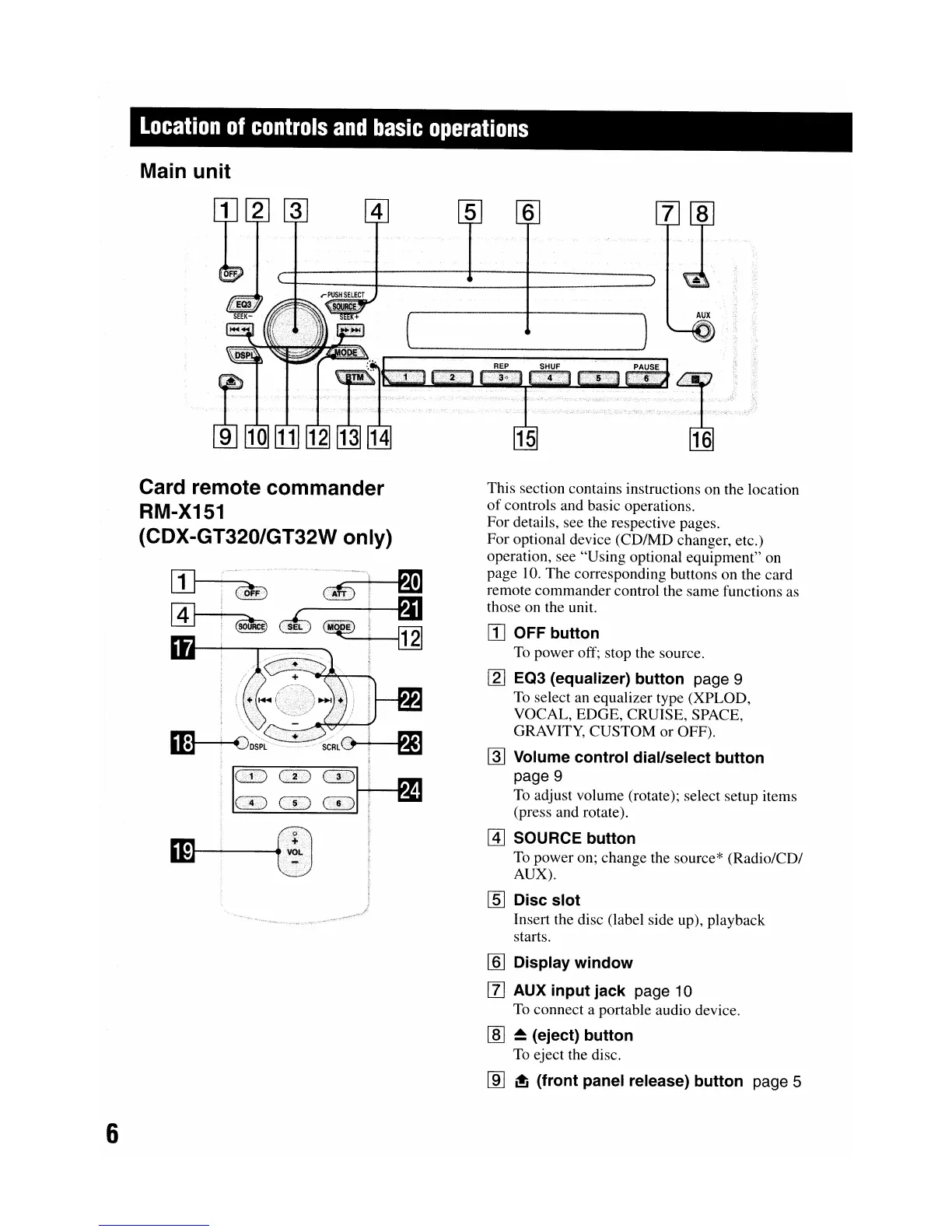
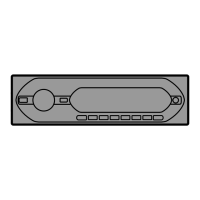
This section contains instructions on the location
of
controls and basic operations.
For details, see the respective pages.
For optional device (CD/MD changer, etc.)
operation, see "Using optional equipment" on
page 10. The corresponding buttons on the card
remote commander control the same functions as
those on the unit.
[j] OFF button
To
power off; stop the source.
[2J
EQ3 (equalizer) button page 9
To
select an equalizer type (XPLOD,
VOCAL, EDGE, CRUISE, SPACE,
GRAVITY, CUSTOM or OFF).
~
Volume control dial/select button
page 9
To
adjust volume (rotate); select setup items
(press and rotate).
@]
SOURCE button
To
power on; change the source* (Radio/CD/
AUX).
[§] Disc slot
Insert the disc (label side up), playback
starts.
[§] Display window
[l]
AUX input jack page 10
To
connect a portable audio device.
[§]
~
(eject) button
To
eject the disc.
[ID
~
(front panel release) button page 5


 To Next Page