EasyManua.ls Logo

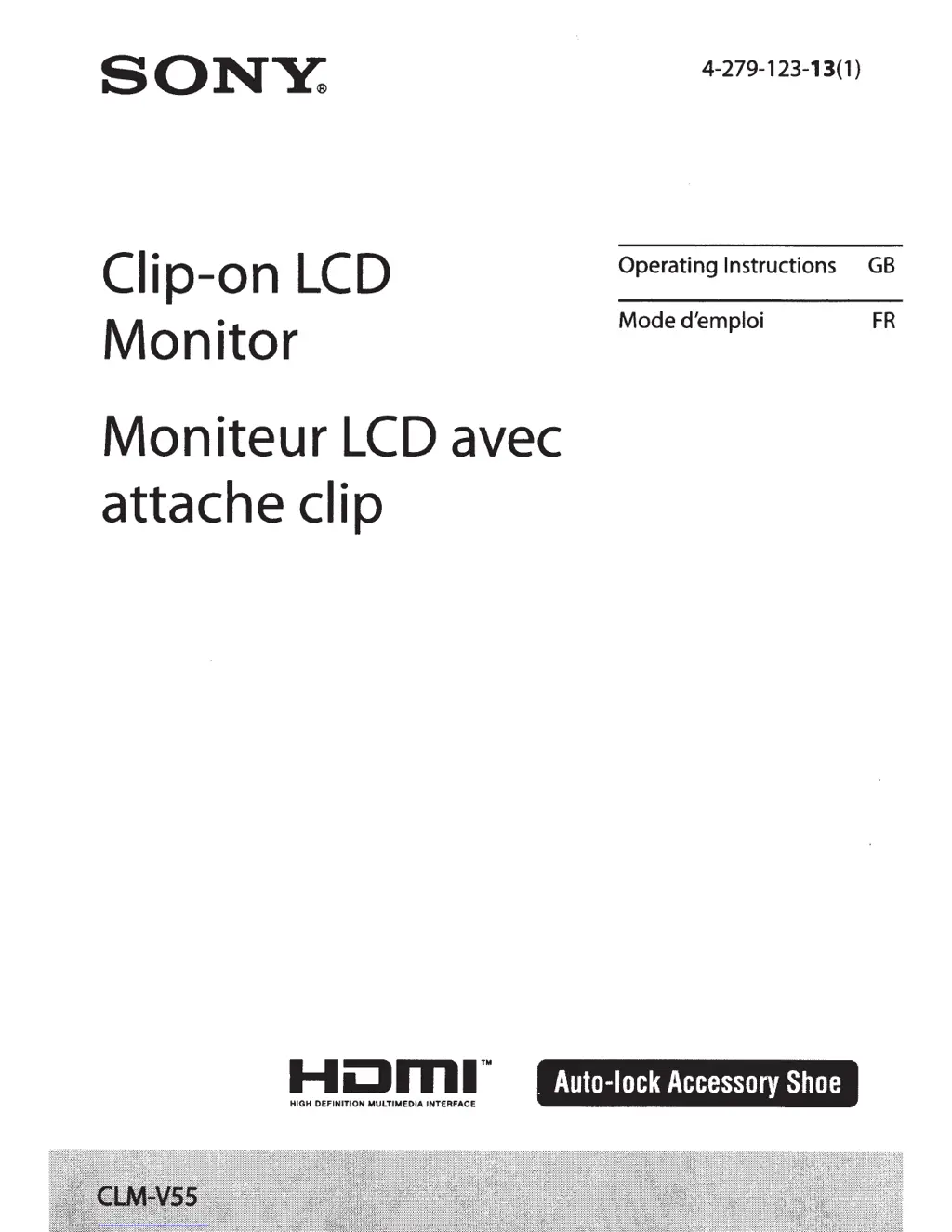
Sony CLM-V55 - User Manual

Sony CLM-V55
41 pages
Print Icon
To Next Page IconTo Next Page
Loading...
SONY:
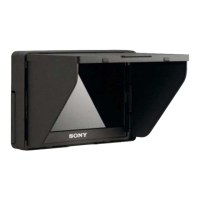
Clip-on
LCD
Monitor
Moniteur
LCD
avec
attache clip
4-279-123-13(1)
Operating Instructions
GB
Mode
d'emploi
FR
Auto-lock
Accessory
Shoe
HIGH
DEFINITION
MULTIMEDIA
INTERFACE

Other manuals for Sony CLM-V55

Questions and Answers

  • A
    Alexandria JohnsonAug 13, 2025
    What to do if no image appears on my Sony Monitor screen?
    • W
      William MullinsAug 13, 2025
      If no image is displayed on your Sony Monitor, it could be due to several reasons. The camera might be in power save mode; try half-pressing the shutter button to exit this mode. Check that the HDMI cable is securely connected. Also, if your camera lacks a live view function, the image might not display on the monitor; refer to your camera's manual for further details.
  • B
    Brady MillerAug 16, 2025
    Why does my Sony CLM-V55 Monitor have no power?
    • K
      Katherine JonesAug 16, 2025
      Your Sony Monitor may not be receiving power due to a depleted battery. Replace the battery pack. Alternatively, if you're using an AC adapter (not supplied), ensure it's properly connected.
  • M
    Michael DuranAug 20, 2025
    Why is my Sony CLM-V55 screen difficult to see?
    • S
      Sarah BrennanAug 20, 2025
      If your Sony Monitor screen is hard to see, use the sun shade hood to block sunlight. If the screen is dark, adjust the screen brightness using the backlight option in the unit's menu.
  • J
    James WatsonAug 25, 2025
    Why does no image appear on the screen of the camera when connected to the Sony Monitor?
    • A
      Angel BakerAug 25, 2025
      Depending on your camera model, when connected to the Sony Monitor via HDMI, the image may only appear on the monitor screen. Consult your camera's instruction manual for more information.
  • M
    Miranda AndersonAug 27, 2025
    Why can't I hear sound from my Sony CLM-V55?
    • J
      Joseph SanchezAug 27, 2025
      If you cannot hear sound from your Sony Monitor, first ensure that headphones are not connected, as this will disable the speaker output. Verify that the monitor's volume is not set to 0. Also, check that the sound setting on your camera is not set to OFF. Note that some cameras may not output sound.
  • H
    hlawrenceAug 31, 2025
    What to do if Sony CLM-V55 cannot record?
    • B
      Brandi MeyerAug 31, 2025
      Depending on the camera you are using, connecting it to the Sony Monitor might cause it to switch to playback mode. To resolve this, switch the camera to shooting mode before taking pictures.
  • P
    parsonscolleenSep 4, 2025
    Why can't I attach my unit to the Sony CLM-V55 camera?
    • A
      Ashley ChavezSep 4, 2025
      You may be using the wrong type of shoe adaptor. Check the camera shoe type and select the correct shoe adaptor.
  • A
    Allison MilesSep 7, 2025
    How to remove the battery from Sony CLM-V55?
    • E
      Emily JonesSep 7, 2025
      To remove the battery from the Sony Monitor, slide the battery release lever to the left to release it.

Sony CLM-V55 Specifications

General IconGeneral
TypeLCD
Brightness500 cd/m²
Contrast Ratio1000:1
Weight0.4 kg
Aspect Ratio16:9
Dimensions152 x 91 x 28 mm
Resolution1920 x 1080
InputHDMI
OutputHDMI

Related product manuals