19
Getting Started
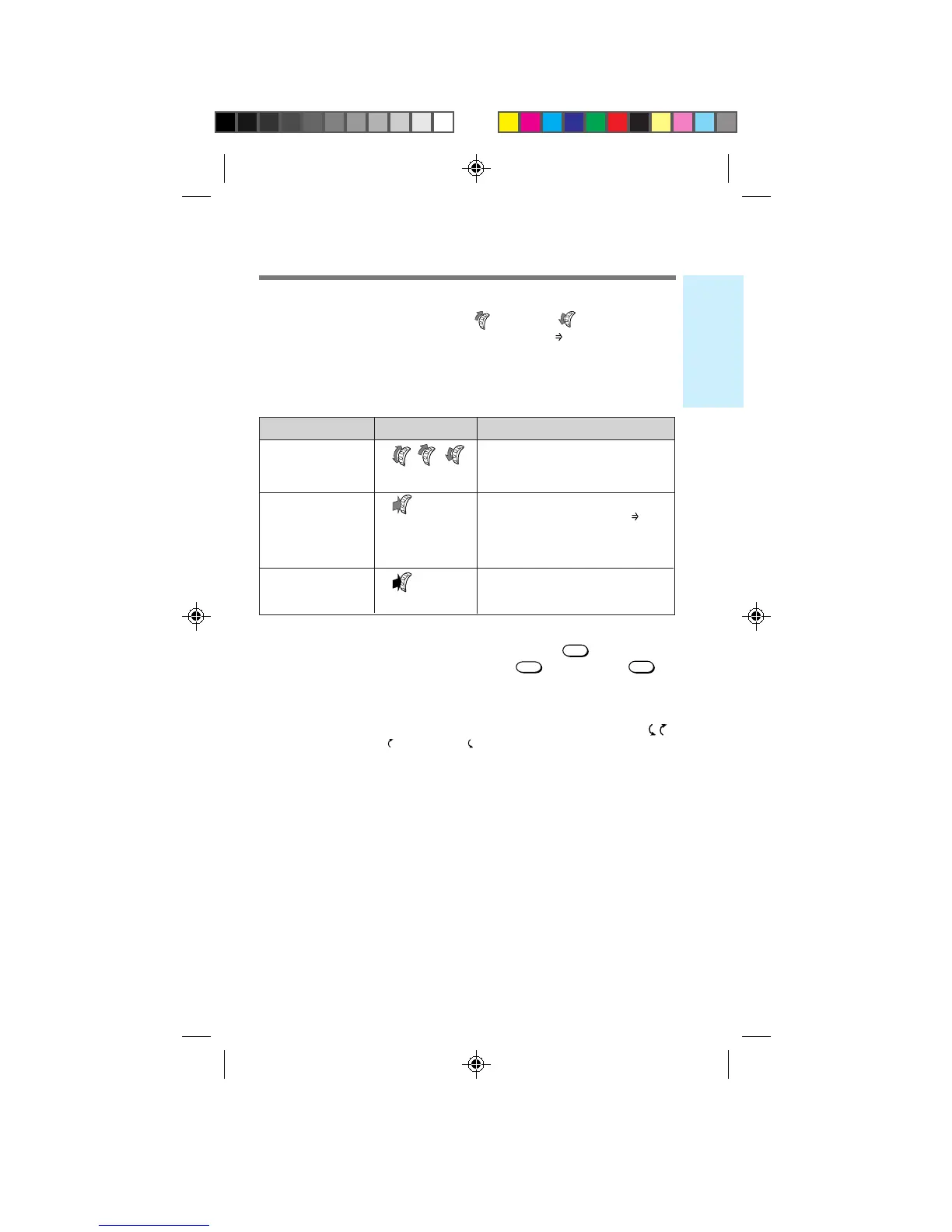
Using the Jog Dial™ navigator
The Jog Dial™ navigator makes it easy to navigate from one menu to
another. Simply turn the Jog Dial up (
+
) or down (
–
) to view the list
of menus and submenus. When the flashing arrow (
) points to the
menu item you want to select, press the Jog Dial in toward the phone.
Choosing a menu item
Operation Illustration Function
Turn
+
–
• Scrolls through the current
menu, Phone Book or Calls
List.
Push
• Selects the item indicated
by the flashing arrow (
).
• Accepts the digits/
characters entered using
the keypad.
Push and Hold
• Locks the keypad.
(for more than • Mutes/unmutes the phone.
To go back
If you want to go back to the previous display, press
CLR
. If you want
to return to the standby display, either press
END
or hold down
.
Scrolling through menu items
To scroll through menu items, turn the Jog Dial navigator when the
icon appears. The up ( ) and down ( ) arrows on the display indicate
the available scrollable direction.
one second)
B2200 10-20draft3 8/21/98, 12:12 PM19



 To Next Page