33
Quick Ways
to Make Calls
To locate a desired Phone Book entry, you can search by name, phone
number or memory location. You can search the Phone Book either
alphabetically or for a string of characters.
Searching alphabetically
When you enter only one character, the phone lists all entries that begin
with the entered character.
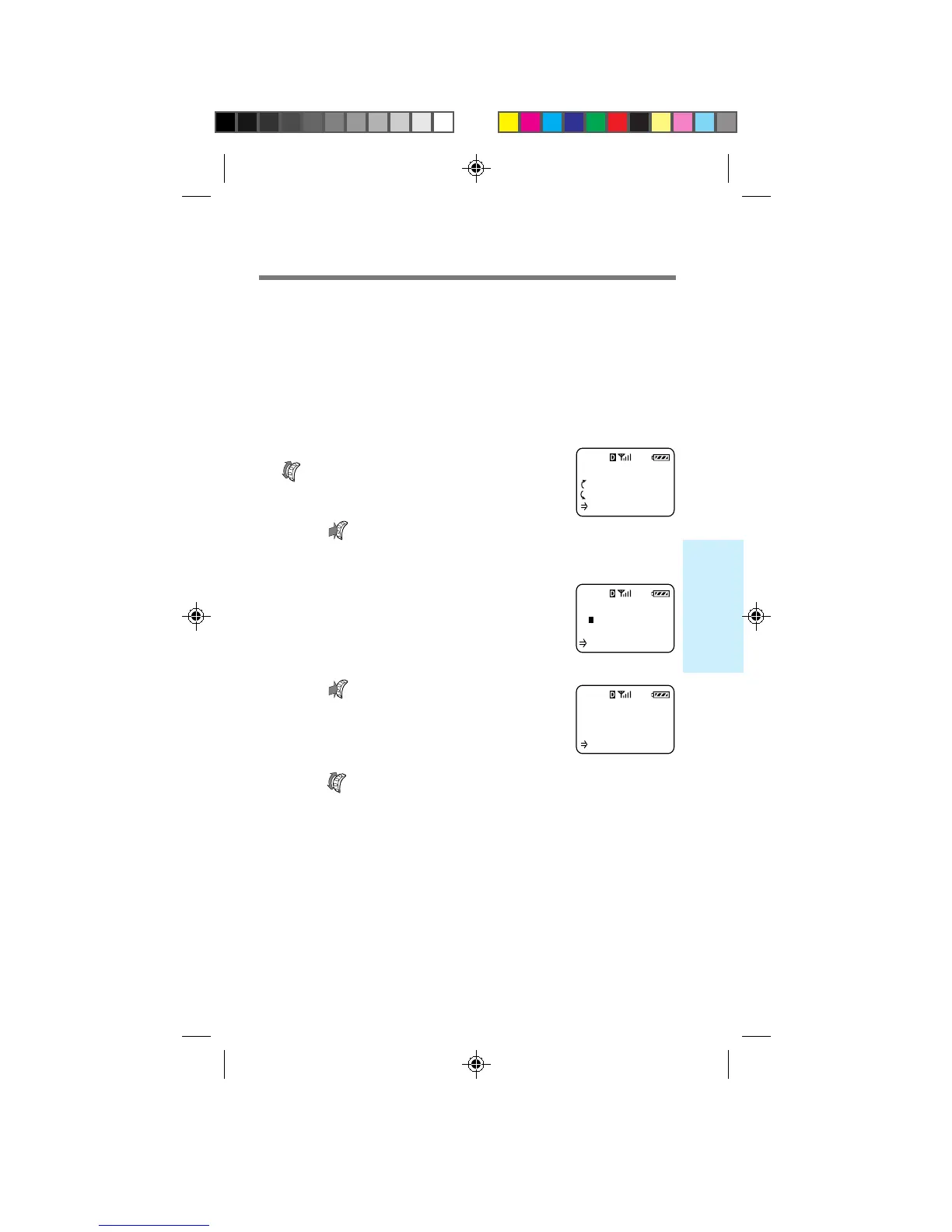
1 From the standby display, turn
once.
The Saved #s display appears.
2 Push .
The Search display appears.
3 Enter only the first letter of the
name you want to find.
4 Push .
All Phone Book entries that begin with
the entered character are displayed
alphabetically.
5 Turn to view the next entry.
Tip
You can also use the Directory menu to search the Phone Book by name
(see page 52).
SEARCH FOR
S
(Enter Name)
:Find
SONY
123-456-7890
:Options
L15
SAVED #S
:Calls List
:Phone Book
:Find Name
Searching the Phone Book
B2200 25-38draft3 8/21/98, 12:12 PM33



 To Next Page