20
Selecting a language
DISPLAY
Sort Book
Language
Menu Length
F65
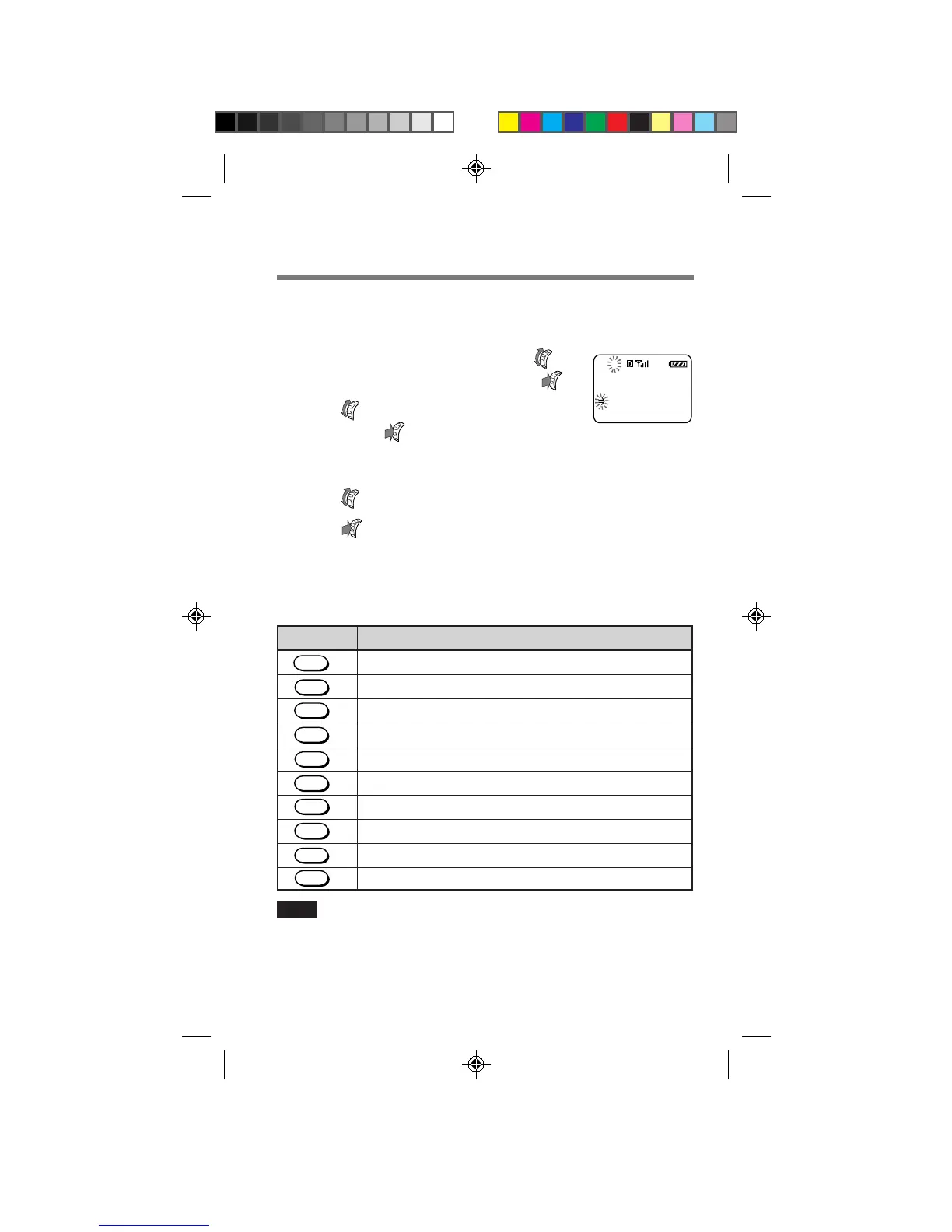
Your phone has three interface languages available: English, French and
Spanish. To view the menus in French or Spanish, change the menu
language as shown below.
1 On the standby display, turn
to select “Display”, then push .
2 Turn to select “Language”,
then push
.
The Language menu appears. The current setting is indicated
by a check mark (✓) and is displayed in capital letters.
3 Turn to select “French” or “Spanish”.
4 Push to enter the new setting.
The standby display reappears in the language selected.
Alphanumeric table
Each time you press a number button, the letters/numbers are cycled as
shown on the following table.
Note
Each language has its own alphanumeric table. To view another language table,
refer to the respective phone operating instructions. Not all areas distribute the
phone operating instructions in all languages. To obtain operating instructions
in another language, contact Sony Customer Service.
Button English Sequence
- → “ → . → ‘ → , → & → ( → ) → : → 1
A → B → C → a → b → c → 2
D → E → F → d → e → f → 3
G → H → I → g → h → i → 4
J → K → L → j → k → l → 5
M → N → O → m → n → o → 6
P → Q → R → S → p → q → r → s → 7
T → U → V → t → u → v → 8
W → X → Y → Z → w → x → y → z → 9
0
9
YZ
WX
8
TUV
7
RS
PQ
6
MNO
5
JKL
4
GHI
3
DEF
2
ABC
1
0
OPER
B2200 10-20draft3 8/21/98, 12:12 PM20



 To Next Page