46
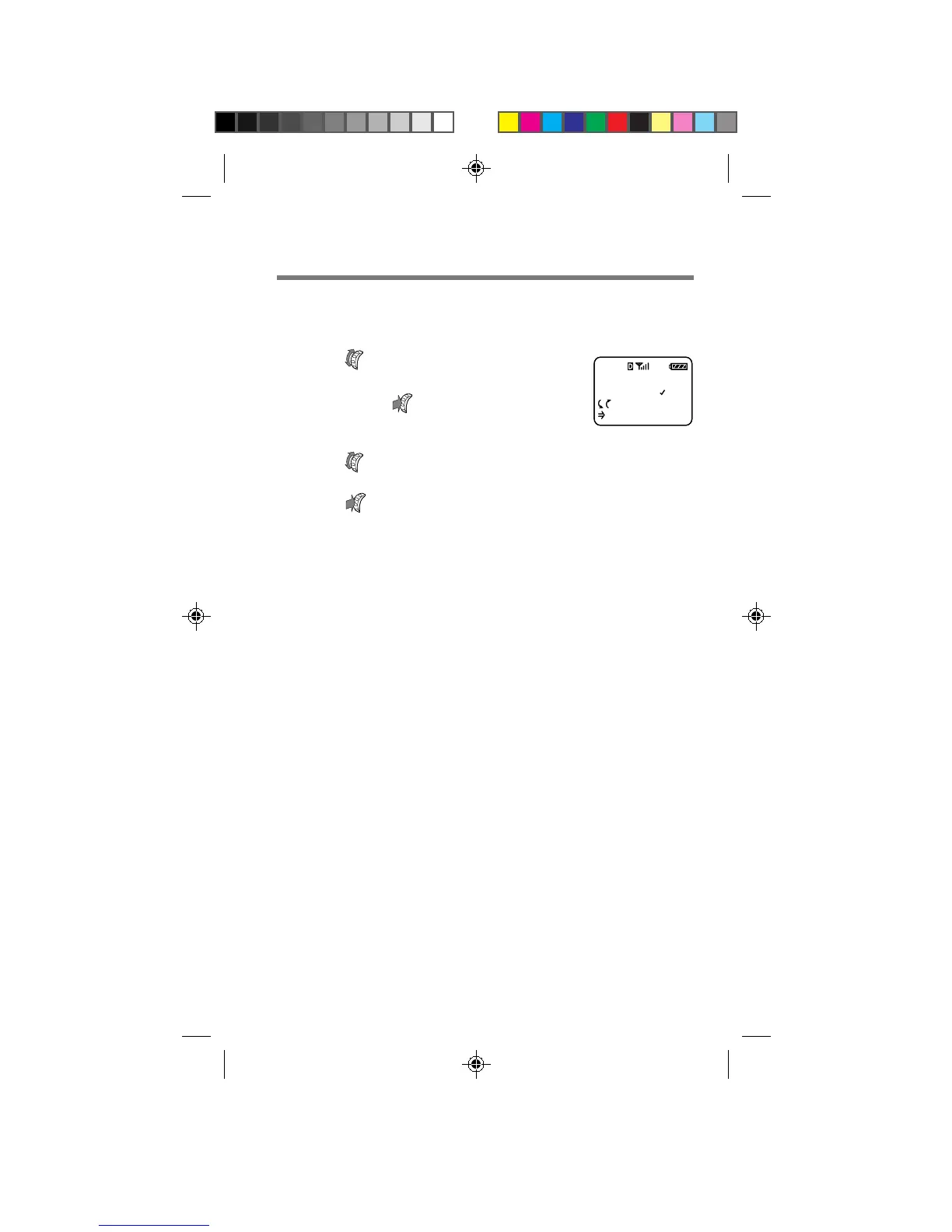
Setting the minute alert [F23]
You can set the phone to alert you ten seconds before every full minute.
1 Turn to select “Minute
Alert” from the Timers menu,
then push
.
The Minute Alert menu appears.
2 Turn to select “on” or “off”.
3 Push to enter the new setting.
The standby display reappears.
MINUTE ALERT
OFF
:Choices
:To Set
F23F
B2200 39-55draft3 8/21/98, 12:13 PM46



 To Next Page